Google Drive alternative for white-label file sharing
Google Workspace is the default internal tool for millions of businesses and earns that position. But it was never designed to deliver files to clients under your brand. Every shared link sends your client to a Google-branded page at a Google URL. No Workspace plan changes that. Here is what agencies, studios, and client-facing businesses use instead.

Sharebrand
White-label file sharing for client-facing businesses
Google Drive
Cloud storage and collaboration for internal teams
Alternatives
Google Drive alternative for white-label file sharing
Google Workspace was built for internal teams, not for your clients
Google Workspace is genuinely excellent at what it was designed to do. Gmail, Docs, Sheets, Slides, Meet, Calendar, and Drive work together as a coherent internal toolset that most teams already know how to use. For document collaboration, internal communication, and keeping a distributed team aligned, Business Starter at $7 per user per month is hard to argue against. The ecosystem advantage is real: Gemini AI embedded in Drive, deep integrations with Slack, Salesforce, DocuSign, and hundreds of other tools, and search that finds a buried document faster than almost anything else on the market.
But Google Drive's sharing model was built around access control for Google accounts, not around professional client delivery. When you share a folder or file with a client, they land on a Google-branded page at a drive.google.com or docs.google.com URL. Your agency name is absent. There is no way to add your logo, your domain, or your colours to that experience on any Workspace plan at any price.
For agencies, studios, and client-facing businesses where file delivery is a professional touchpoint, that is the wrong foundation. You have built your brand. Your client deliveries should reflect it.
What Google Drive does well
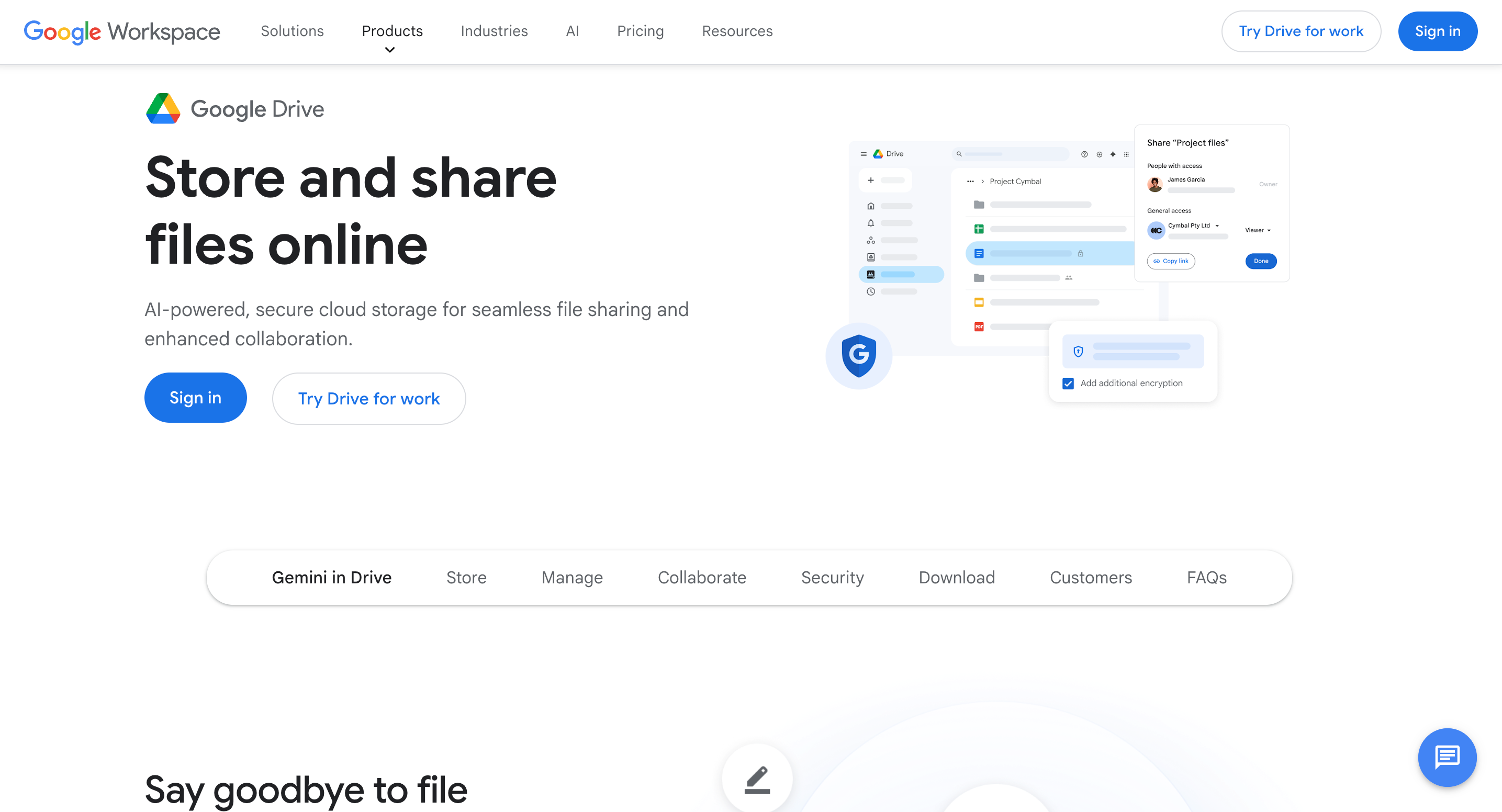
Google Drive's integration with the rest of Workspace is the product's strongest argument. A file shared in Drive can be opened immediately in Docs, a spreadsheet in Sheets, a presentation in Slides. Everything is editable in the browser, commented on in real time, and linked into a Calendar invite or a Chat message without leaving the Google environment. For teams already using Gmail and Google Meet, this creates a coherent internal toolset that reduces context-switching to nearly zero.
Google has also embedded Gemini AI across Drive, giving teams the ability to find files up to 50% faster via AI-powered search and summarise document content without opening it. For large organisations with thousands of files spread across shared drives, that search capability is genuinely useful in ways that most file storage platforms cannot match.
The ecosystem depth extends to third-party integrations: Slack, Salesforce, DocuSign, Autodesk, and hundreds of other tools connect directly to Drive. Business Starter includes 30 GB pooled storage per user at $7 per user per month. Business Standard moves to 2 TB pooled at $14 per user per month. Business Plus provides 5 TB at $22 per user per month.
None of this changes what Drive is: an internal collaboration and storage platform. It was never positioned as a white-label client delivery tool, and that gap becomes obvious the moment a client receives a shared link and lands on a Google-branded page.
Where Google Drive falls short for client-facing businesses
Google Drive's limitations for professional client delivery come from its architecture, not from gaps in its roadmap. The product was designed to share files between Google accounts within an organisation. Client-facing delivery is a secondary use case that the product tolerates but was not built for.
Your brand is invisible to every client you send a link to
Every file or folder you share from Google Drive sends the recipient to a Google-branded page. The URL is google.com or drive.google.com. The interface shows Google's design. Your agency name and branding are not present at any point in the experience, regardless of what Workspace plan you are on.
Business Starter, Business Standard, Business Plus, and Enterprise all have the same result for external recipients: they see Google's product, not yours. There is no white-label option, no custom domain delivery, and no way to add your branding to the shared file experience on any plan. This is not a feature gated behind a higher tier. It simply does not exist.
Per-user pricing makes it expensive as a delivery platform
Google Workspace Business Starter starts at $7 per user per month. A five-person team pays $35 per month. Business Standard at $14 per user per month brings that to $70 per month for five people. That seems reasonable when you consider the full package: Gmail, Docs, Sheets, Slides, Meet, Calendar, and Drive in one subscription. The ecosystem justifies the cost for internal use. The issue is that if you are already paying for Workspace for internal email and collaboration, and you also try to use Drive as a client-facing delivery tool, you are asking a platform you paid for internal purposes to do a job it was not designed for. When your client receives a Drive link and lands on a Google-branded page, you get nothing from all that Workspace investment on the client side.
Clients need Google accounts or face a degraded experience
For a client to interact meaningfully with a shared Drive, they typically need a Google account. Without one, they can view files via a link in some configurations, but they cannot organise, comment, or access anything structured around their relationship with your business. They are navigating a folder structure that belongs to your Google account, not a workspace built for them.
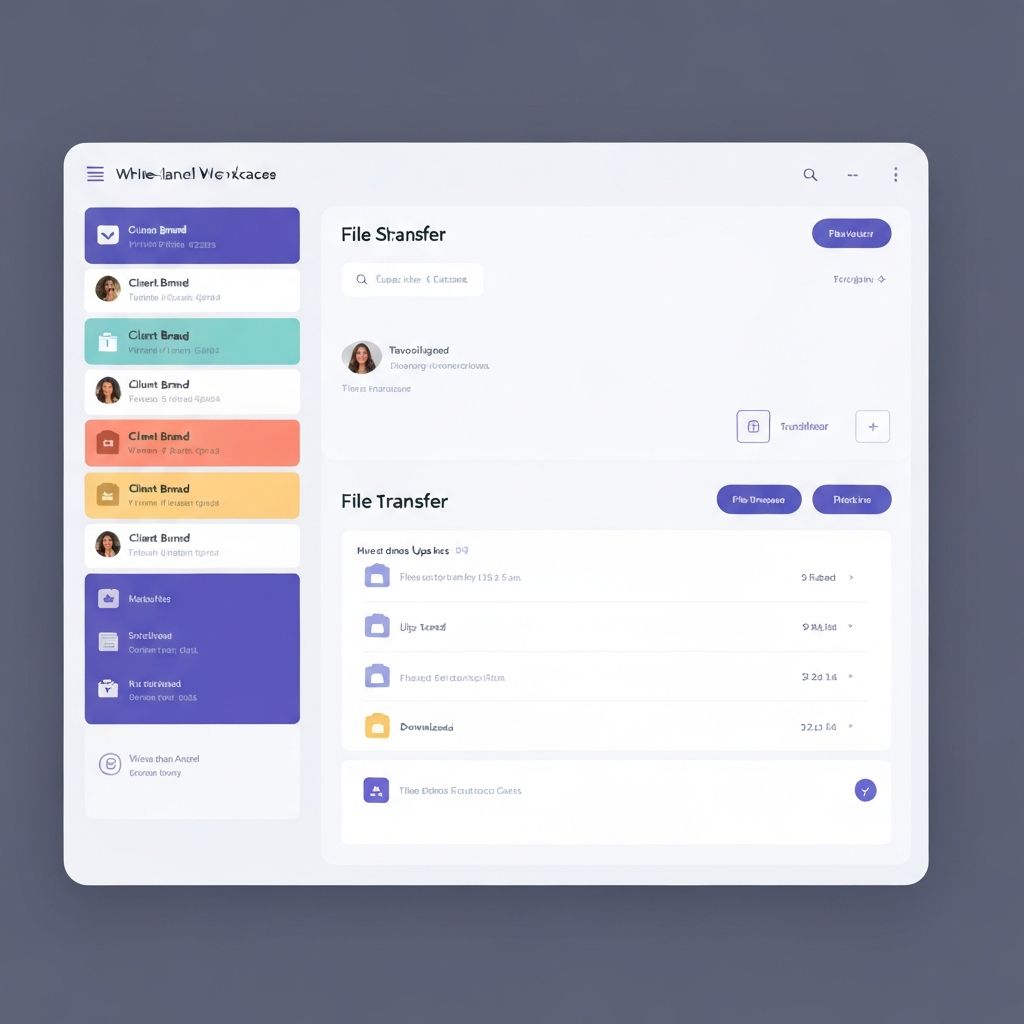
Sharebrand's client portal gives each client their own branded workspace at your domain. They log in and see their files, organised the way you have organised them, with no need to understand your internal folder structure.
No file payment gate, no white-label reseller, no brand asset portal
Google Drive has no way to charge a client before they download a file. There is no built-in file payment gate. There is no white-label reseller program for running your own file sharing platform under your own name. There is no brand asset portal for organising and delivering brand files to clients.
These are not edge features. For agencies and studios that sell creative work, charge for deliverables, and need a professional branded client experience, they are the entire reason to switch.
Who actually needs a Google Drive alternative
Most Google Workspace users do not need to replace Drive for everything. If you use it for internal document collaboration, email, and meetings, it is likely the right tool for those jobs. The businesses that benefit from a Sharebrand alternative are those where external client-facing delivery is a regular part of the workflow and the file link is a professional touchpoint.
Design and creative agencies delivering brand assets, campaign files, and finished creative work to clients. Photography and video studios sending final edits, galleries, and raw deliverables. Marketing firms sharing reports, ad creatives, and strategy documents. Architects and interior designers delivering renders and specifications. Legal and consulting firms sending polished deliverables and proposals. Any local business that invoices clients and wants the delivery experience to match the quality of the service.
What these businesses share: they are already paying for Google Workspace for internal use and have discovered that sharing a Drive folder with a client is not the same as a professional branded client delivery.
Google Workspace pricing vs Sharebrand pricing
Google Workspace pricing is built around users. Sharebrand pricing is built around the platform. As your team grows, Workspace costs more. On Sharebrand, your bill stays the same within each tier.
Google Workspace Business Starter is $7 per user per month billed annually, with 30 GB pooled storage per user. A five-person team pays $35 per month. Business Standard at $14 per user per month includes 2 TB pooled storage: a five-person team pays $70 per month, ten people pay $140 per month. Business Plus at $22 per user per month includes 5 TB. None of these plans include white-label client delivery features, a custom domain for file sharing, or a client portal. You are paying for internal collaboration infrastructure: Gmail, Docs, Meet, Calendar, and storage. That infrastructure is often already worth paying for. It is not a substitute for branded client delivery.
One common misconception: Google Workspace does support custom domains for email and some services, and Drive does use your domain in certain admin URL patterns (for example drive.google.com/a/yourcompany.com). But shared file links sent to clients still resolve to Google-branded pages on Google infrastructure. Your domain in the admin path is not the same as your clients receiving a branded experience at files.yourstudio.com. That distinction matters for any business where the client-facing moment is a professional touchpoint.
Sharebrand Starter is $29 per month flat for up to five team members with a custom domain, a branded client portal, and a file payment gate included. Pro is $59 per month for up to ten. If you are already paying for Google Workspace for your team's internal use, Sharebrand costs $29 per month on top and handles every client-facing file delivery your team currently routes through Drive.