OneDrive alternative for white-label client file sharing
OneDrive for Business is tightly coupled to the Microsoft 365 ecosystem. It works well when your clients use Microsoft too. When they do not, the sharing experience is clunky, unbranded, and built around Microsoft's infrastructure rather than yours. No plan changes that. Here is what agencies, studios, and client-facing businesses use instead.

Sharebrand
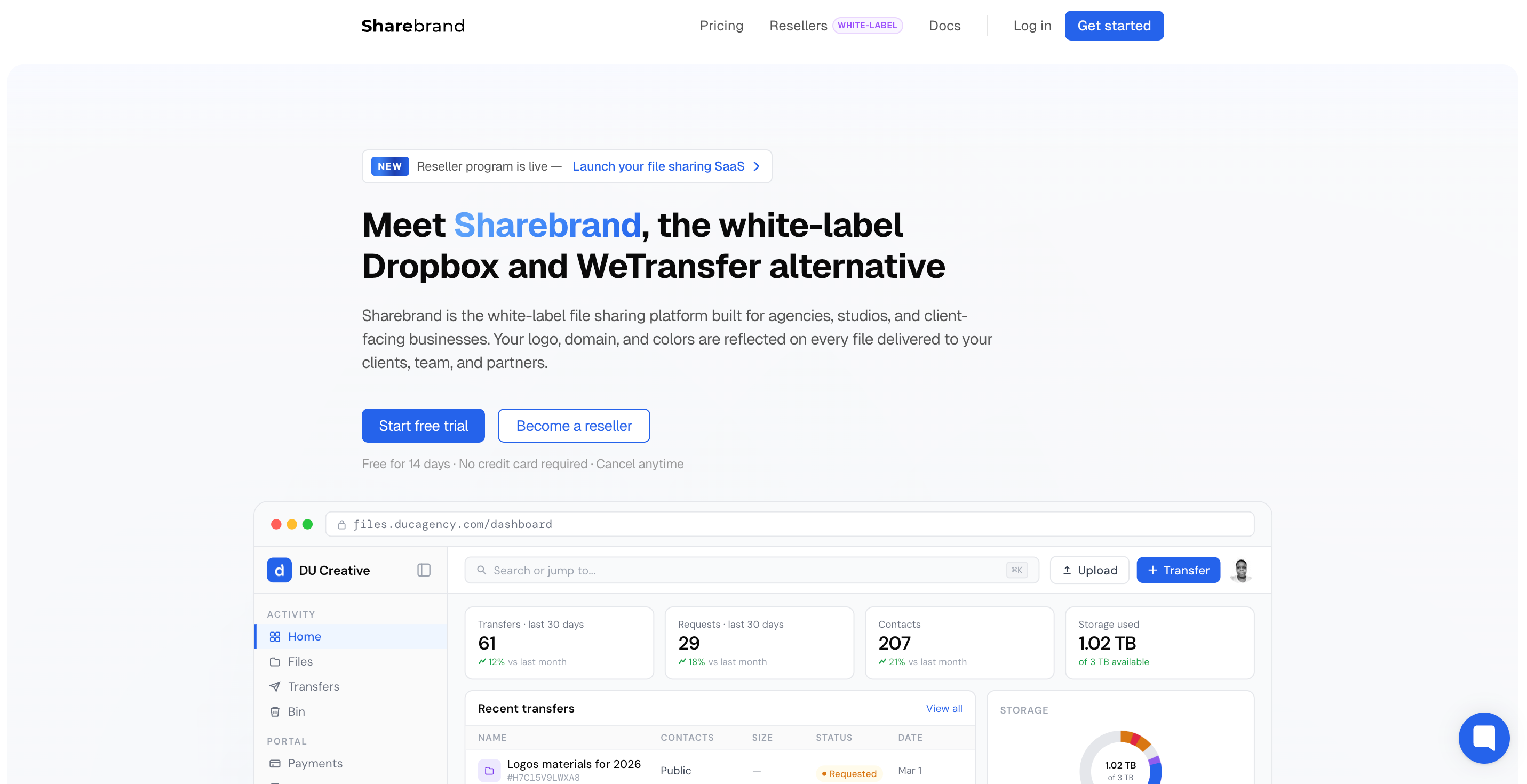
White-label file sharing for client-facing businesses

OneDrive
Cloud storage and file sync for Microsoft 365 teams
Alternatives
OneDrive alternative for white-label client file sharing
OneDrive for Business was built for Microsoft teams, not for your clients
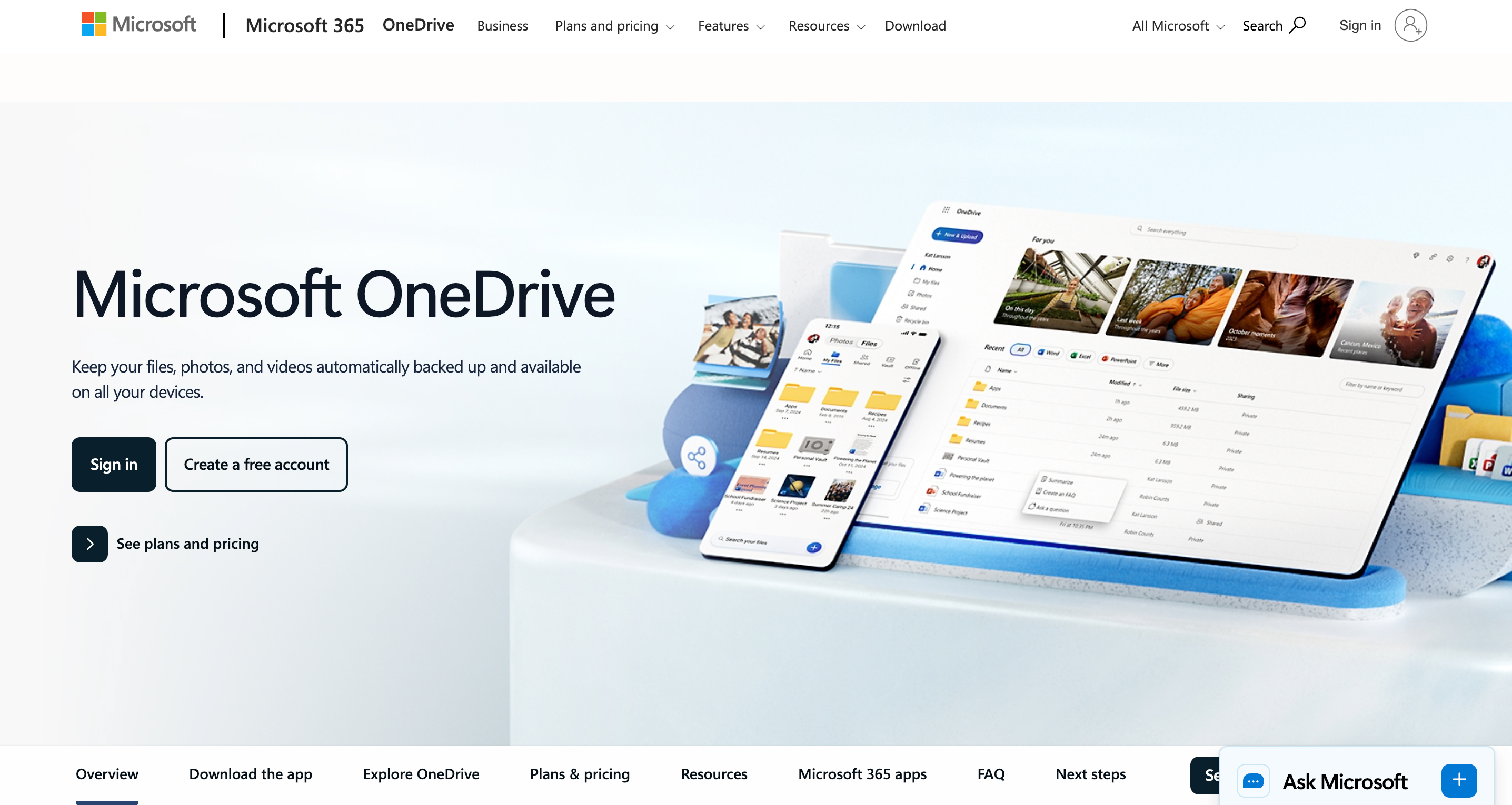
OneDrive for Business is the cloud storage backbone of Microsoft 365. For organisations already running on Word, Excel, Outlook, and Teams, it earns its place: 1 TB of storage per user, seamless sync between devices, real-time co-authoring in Office apps, and deep integration with SharePoint and Teams. Microsoft Copilot is now embedded in OneDrive on Business Standard and above, giving teams AI-powered file summaries, comparisons, and search that genuinely improves how large organisations find and act on their files. For internal use inside the Microsoft ecosystem, this is a capable and coherent platform.
The problem appears the moment you try to use it for client-facing delivery. When you share a folder or file with a client from OneDrive for Business, they receive a Microsoft-branded link at a microsoft.com or 1drv.ms URL. If your client uses a Microsoft account, the experience is functional. If they do not, they are asked to sign in, prompted to create a Microsoft account, or dropped into a degraded view-only experience with no clear path forward. In both cases, the page they land on is Microsoft's, not yours.
For agencies and studios where the client relationship is the product, building your file delivery workflow on Microsoft's infrastructure means every link you send promotes Microsoft, not your business.
What OneDrive for Business does well
OneDrive for Business earns its position for internal Microsoft 365 teams. The sync between desktop and cloud is fast and reliable. The Office integration is genuinely seamless: a file edited in Word on a laptop is instantly available in Excel on a phone, versioned automatically, and co-authored in real time. For organisations managing large volumes of internal documents across distributed teams, the 1 TB per user storage with automatic expansion options is generous.
Microsoft Copilot, available as an add-on to Business plans, brings AI-powered summarisation, file comparison, and audio overviews into OneDrive. For a team managing hundreds of internal files and needing to surface relevant content quickly, this is a real productivity tool. The security and compliance layer is also enterprise-grade: data encryption in transit and at rest, ransomware recovery, sensitivity labels, and admin controls that meet the requirements of regulated industries.
Microsoft 365 Business Basic starts at $6 per user per month with 1 TB of storage, Teams, and web versions of Office apps. Business Standard at $12.50 per user per month adds desktop Office apps, webinar hosting, and Clipchamp video editing. A standalone OneDrive for Business Plan 1 is available at $5 per user per month for organisations that only need storage and sync without the full Microsoft 365 suite.
All of this is built for one context: your team, inside your Microsoft environment. When a file link leaves that environment and lands with a client, the platform's assumptions break down.
Where OneDrive falls short for client-facing businesses
OneDrive for Business was architected around the Microsoft 365 user. External sharing is a feature added on top of that architecture, not a design goal. The result is a set of limitations that directly affect any business that delivers files to external clients as part of its professional service.
Your brand is absent from every link you send a client
Every file or folder shared from OneDrive for Business sends the recipient to a Microsoft-branded page. The URL contains microsoft.com, 1drv.ms, or onedrive.com. The interface shows Microsoft's product design. There is no setting on any plan that places your logo, your domain, or your colours on that experience.
OneDrive for Business Plan 1, Microsoft 365 Business Basic, Business Standard, and Enterprise all produce the same result for external recipients: they see Microsoft's product. There is no white-label tier, no custom domain option for file delivery, and no way to brand the client-facing experience at any price. For agencies and studios where the file link is a professional touchpoint, this is a structural limitation that no plan upgrade resolves.
Clients without Microsoft accounts hit friction immediately
OneDrive's sharing model is optimised for Microsoft account holders. When you share a file with a client who does not use Microsoft 365 or does not have a personal Microsoft account, the experience degrades. They may be prompted to sign in, asked to create a Microsoft account, or limited to a view-only mode that does not behave like the full product. Password-protected links and expiry dates are available on Microsoft 365 subscriber plans, but these are security controls, not a branded client experience.
For agencies with mixed client bases — some on Google Workspace, some on Apple, some without any cloud suite — routing all client delivery through OneDrive means accepting that a portion of your clients will encounter friction at the moment of delivery. That friction reflects on your business, not Microsoft's.
No persistent client portal, no file payment gate
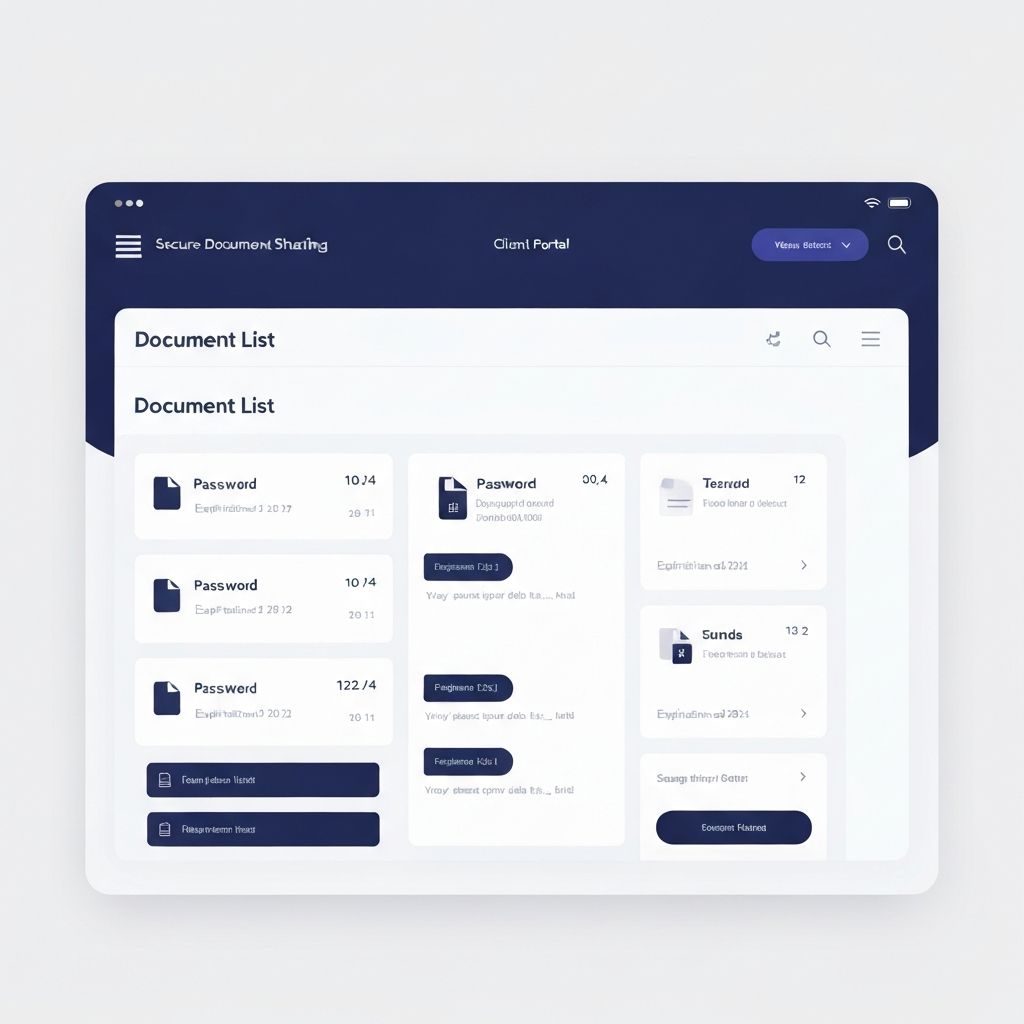
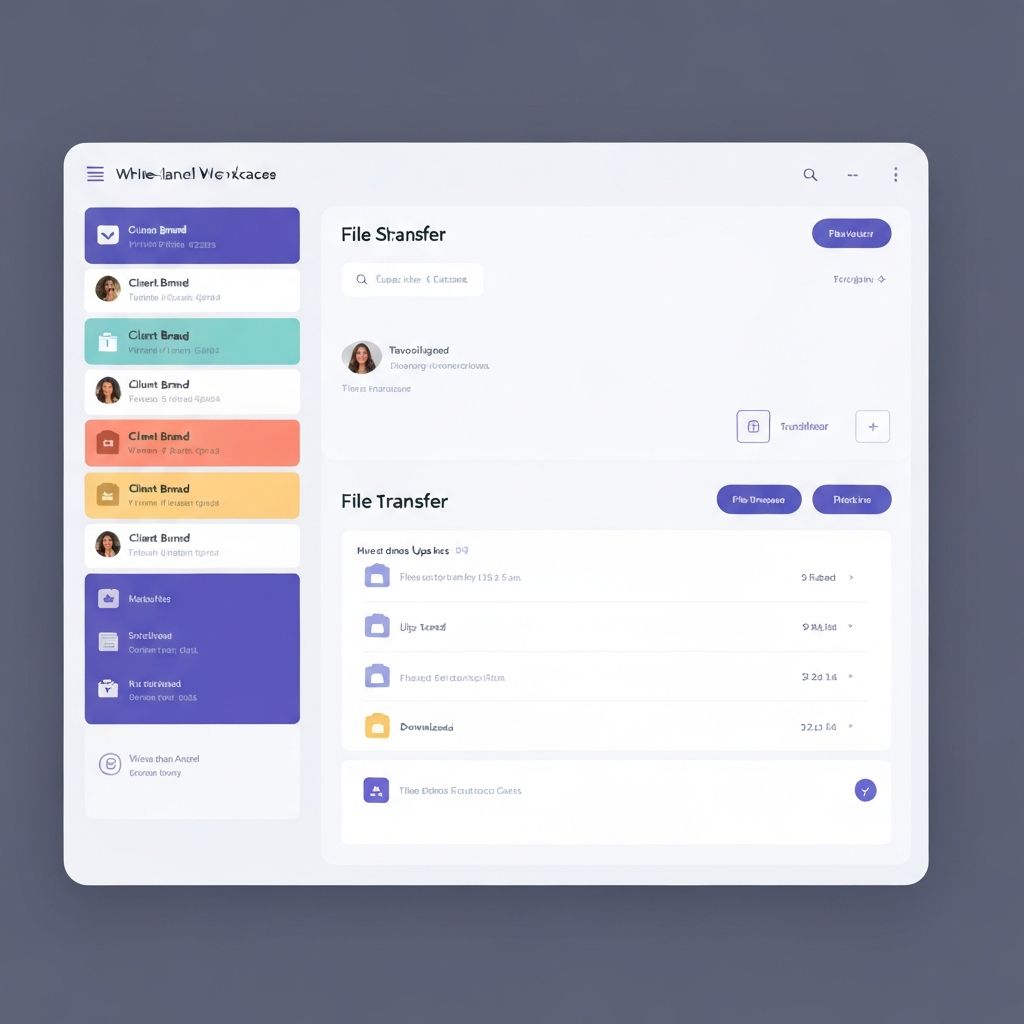
OneDrive has no concept of a dedicated client workspace where a client logs in, sees all their project files organised over time, and returns to access new deliveries. Each share is a separate link event. Files shared in OneDrive are accessible via that link for as long as you keep sharing, but there is no branded portal that organises a client's files by project, separates them from other clients' files, and gives the client a professional home to return to.
There is also no way to charge a client before they access a file. OneDrive has no built-in file payment gate. For photographers, designers, and studios that sell deliverables, this requires a separate payment tool and a manual handoff process.
Per-user pricing for infrastructure you may already be paying for elsewhere
Microsoft 365 Business Basic is $6 per user per month. Business Standard is $12.50 per user per month. If your team is already paying for Microsoft 365 for email and Office, you are already paying for OneDrive as part of that subscription. The question is not whether OneDrive is worth paying for — it probably is, for internal use. The question is whether it is the right tool for the client-facing layer of your workflow. It is not. And the per-user model means that adding team members for internal use increases the cost of a platform that still cannot deliver branded files to clients.
Who actually needs an OneDrive alternative
Most businesses that use OneDrive for Business do not need to replace it for everything. The teams that look for an alternative are those where client-facing file delivery is a professional touchpoint and the link a client receives should carry the agency's brand, not Microsoft's.
Design and creative agencies delivering brand identities, campaign assets, and finished creative work to clients who may or may not be on Microsoft. Photography and video studios sending final galleries and deliverables to clients and needing a professional download experience under the studio's name. Marketing firms sharing campaign reports and creative assets where the delivery experience reflects the quality of the work. Architects and interior designers delivering project renders and drawings. Any local business that invoices clients and wants the file delivery to match the quality of the service.
What these businesses share: they are often already paying for Microsoft 365 internally, and they have discovered that sharing a OneDrive link with a client is not a professional branded delivery. It is a Microsoft link with their file attached.
OneDrive pricing vs Sharebrand pricing
OneDrive for Business pricing is per user and bundled inside Microsoft 365. Understanding what you are actually paying for matters before comparing it to Sharebrand.
OneDrive for Business Plan 1 is $5 per user per month for storage and sync only, with no Office apps and no Teams. This is the cheapest entry point for OneDrive as a standalone product. Microsoft 365 Business Basic at $6 per user per month adds Teams, web versions of Office apps, and custom business email. Business Standard at $12.50 per user per month adds full desktop Office apps, webinar hosting, and video editing tools. All plans include 1 TB of storage per user.
For a five-person team on Business Basic: $30 per month. Business Standard: $62.50 per month. These costs are justified when you factor in email, Teams, and Office. They are not justified if you are hoping that OneDrive will also serve as a branded client delivery platform, because it will not, regardless of which plan you are on.
Sharebrand Starter is $29 per month flat for up to five team members with a custom domain, a branded client portal, a file payment gate, and a brand asset portal included. Pro is $59 per month for up to ten team members. The price does not change with headcount within those tiers. If you are already paying for Microsoft 365 for internal use, adding Sharebrand Starter at $29 per month gives your team a professional branded client delivery layer for less than one Business Standard seat.