NEWSharebrand has a new home — we're now at sharebrand.com. Same product, same team, better address.Read more
NEWIntroducing White-label Reseller — run a branded file sharing platform under your own name. Your brand, your pricing, your revenue. →Learn more
AFFILIATERefer customers and earn 25% on every sale. Monthly and annual plans included.Join now
Back to alternatives
AlternativesLarge file transfer

Smash alternative for white-label file sharing

Smash is a fast file transfer tool but has no custom domain on Pro or Team plans. Every link goes to a Smash subdomain. See what client-facing businesses use instead.

Sharebrand Team·
Sharebrand

Sharebrand

White-label file sharing for client-facing businesses

vs
Smash

Smash

Large file transfers and quick one-off file sends

Alternatives

Smash alternative for white-label file sharing

Your clients deserve a branded experience, not a Smash subdomain

Smash Pro and Team plans deliver files at a yourname.fromsmash.com URL. Your own domain requires Enterprise pricing. Sharebrand delivers files at your custom domain on every plan, from $29 per month, with no per-user fees.

Smash is a file transfer tool. Your own domain requires Enterprise.

Smash is a fast, well-designed file transfer service built around sending large files without size limits. Its free tier is more generous than most competitors: no transfer size cap on free (though files above 2 GB enter a queue), no limit on the number of transfers per month, and password protection on every plan. For sending large files quickly, it competes seriously with WeTransfer and the rest of the category.

But Smash was built around the transfer event, not the client relationship. Files are ephemeral by design: the maximum availability is 30 days and that is the ceiling on every plan. There is no persistent client workspace. Custom domain delivery, where your client receives a link at your domain rather than a Smash subdomain, is locked behind the Enterprise plan, which requires a custom quote.

For freelancers and individuals who need to send large files quickly and do not need white-label delivery, Smash Pro at around $10 per month is a reasonable tool. For businesses that deliver files to clients as a regular professional service and need every link to carry their own domain and brand, Smash is the wrong foundation.
Smash is ideal for sending files over 100GB

What Smash does well

Smash built a strong reputation on speed and unlimited file size transfers. Unlike WeTransfer, which limits free users to 2 GB per transfer, Smash free users can send files of any size (though larger files enter a priority queue). There are no monthly transfer limits on any plan. Files are stored close to the sender's location for faster upload and download speeds. Password protection is available on every plan including free, which is uncommon in the category.

The Pro plan at around $10 per month per user adds 250 GB priority transfers, 30-day file availability, custom transfer link naming, and basic branding customisation on the download page. The Team plan at $25 per month for up to 10 users adds shared branding settings and transfer reporting across team members. For teams whose primary need is fast large file delivery without worrying about upload limits, Smash's Team plan offers genuine value at a competitive price point.

The limitation is not speed or file size. The limitation is what happens to the brand on the link your client receives.

Where Smash falls short for client-facing businesses

Smash's product decisions reflect its core design goal: fast, ephemeral large file transfers. Each of the following limitations is a direct consequence of that design, and each one matters for businesses where file delivery is a professional touchpoint.

Custom domain requires Enterprise, not a standard paid plan

Smash Pro and Team plans give you a custom subdomain: yourname.fromsmash.com. The URL still contains fromsmash.com. Your clients still know they are on Smash's platform. Custom DNS, where you can deliver files at your own domain, is exclusively available on the Enterprise plan, which requires contacting Smash's sales team for a custom quote.

For businesses that want white-label delivery without negotiating an enterprise contract, Smash's plan structure makes this impossible on any self-serve pricing tier. Sharebrand includes a custom domain on every plan, including Starter at $29 per month.

Transfers are ephemeral by design. 30 days maximum

Smash describes its ephemeral transfer model as a deliberate design choice linked to sustainability. Files are available for a maximum of 30 days on any paid plan. After that, they are permanently deleted. There is no option to keep files available indefinitely. There is no persistent client workspace where a client can return to their project files over time.

For businesses managing ongoing client relationships, delivering multiple rounds of work, or operating portals where clients need long-term access to their assets, this 30-day ceiling creates a structural problem that no Smash plan solves.

Branding is cosmetic and still Smash-branded

Smash Pro and Team allow you to customise the transfer download page with a background image, your logo, and promotional pop-ins. This is more customisation than many competitors offer, and it looks professional within the Smash interface. But the URL is still a Smash subdomain, the page is still hosted on Smash's infrastructure, and the branding is layered on top of Smash's product rather than replacing it.

For businesses that need full white-label delivery, where the client experience belongs entirely to your brand, cosmetic customisation on a Smash subdomain does not achieve that.

No client portal, no file payment gate on standard plans

Smash has no concept of a dedicated client workspace. There is no portal where a client logs in and sees all their project files over time. Smash also does not offer a built-in file payment gate on standard plans. You cannot charge for a file download before the client accesses it. Each transfer is a standalone, temporary event.

Who actually needs a Smash alternative

Smash is a strong choice for individuals and teams whose primary need is sending large files quickly without size limits. The businesses that need something different are those where the file link is a professional touchpoint and 30-day ephemeral delivery is not enough.

Design and creative agencies delivering brand identities, campaign assets, and finished work to clients under their own brand. Photography and video production studios sending final edits and galleries that clients need to access beyond 30 days. Marketing firms sharing reports, campaign assets, and strategy documents with ongoing client access. Architects, consultants, and local businesses where client files need to remain accessible throughout a project lifecycle. Any business that invoices clients and wants the file delivery experience to reflect the quality of the service, not a third-party tool's subdomain.

Smash pricing vs Sharebrand pricing

Smash's pricing looks attractive at the individual level. At the team level, the gaps become more significant, especially once you account for what is and is not included.

Smash Pro costs around $10 per month for one user and covers 250 GB transfers, 30-day file availability, basic branding customisation, and a custom Smash subdomain. Smash Team costs around $25 per month for up to 10 users with shared branding settings. Custom domain delivery on your own URL requires the Enterprise plan, which is not self-serve and requires a sales conversation.

Sharebrand Starter costs $29 per month for up to five team members and includes a full custom domain, a branded client portal, 50 GB transfers, and no forced file expiry. Sharebrand Pro at $59 per month covers ten team members and 100 GB transfers. For a business of five people that needs branded client delivery on their own domain, the comparison is $29 per month on Sharebrand versus an Enterprise contract negotiation on Smash.

Sharebrand is best for client-facing businesses like creative agencies, marketing, legal, and consulting firms.

Is Sharebrand a full Smash replacement?

For client-facing branded delivery: yes. If you are currently using Smash to send files to clients and want your own domain on every link, persistent file access beyond 30 days, and a client portal, Sharebrand replaces that workflow entirely.

For raw large file transfer speed with no size limits: Smash's free tier and Pro plan are strong for one-off sends where speed is the priority and brand is not. If someone regularly needs to send files above 100 GB to collaborators who do not need a white-label experience, Smash handles that use case well.

The most common switch pattern: teams using Smash for client delivery, then hitting the 30-day expiry problem or being asked by a client why the download link says fromsmash.com. At that point, the case for Sharebrand becomes clear. You keep Smash for internal bulk transfers if needed, and use Sharebrand for anything that touches a client.

HOW WE COMPARE

Sharebrand vs Smash — feature by feature

Smash delivers large files fast with subdomain-level branding. Sharebrand delivers files at your custom domain with a persistent client portal and flat team pricing. Here is the full breakdown.

FEATURE
Sharebrand
SharebrandFrom $29/mo
Smash
SmashFrom $10/user
Pricing
Pricing model

How you're billed

Flat monthlyNo per-user feesPer user / mo
Min. users required

To start a paid plan

11
Team seats included

At base plan price

5 seats10 seats on Pro1
Storage & Transfers
Storage included

At base / mid plan

3 TB6 TB on Pro1 TB
Upload / transfer size

Max per single transfer

50 GB100 GB on Pro250 GB
Deleted file recovery

Days before permanent deletion

90 daysConfigurable
URL shortener

Create branded short links

Coming soon
Branding & Client Experience
Custom branding

Logo, colors, full identity

Custom domain (CNAME)

files.yourcompany.com

Branded sender email

Notifications from your domain

File masking

Share external files via your own branded URL

Coming soon
Security & Access
Password protection

Protect any file or link

File expiration

Auto-expire links by date

File versioning

Track & restore file versions

Coming soon
Team roles & access

Member permissions management

Client & Revenue Features
File transfers & requests

Send and receive files

Client portal

Dedicated client workspace

File payment gate

Charge for file downloads

Brand asset portal

Beautiful page to host brand assets

White-label reseller

Resell under your brand

Sharebrand

Smash delivers your files fast. Sharebrand delivers them under your brand, at your domain, with no expiry, and from a persistent client portal your clients can return to. Where Smash requires an Enterprise contract for a custom domain and expires every transfer within 30 days, Sharebrand includes a custom domain on every plan from $29 per month and keeps files until you choose to delete them. For businesses where the client relationship matters beyond a single transfer, Sharebrand is purpose-built for that.

Partial or limited supportNot availableData reflects publicly listed plans as of March 2026. Smash and all product names are trademarks of their respective owners. Sharebrand is not affiliated with or endorsed by Smash.

QUICK VERDICT

Sharebrand vs Smash: which one is right for you?

Smash is optimised for fast, large, ephemeral file transfers. Sharebrand is optimised for ongoing branded client delivery. If your files expire in 30 days and live on a Smash subdomain, the choice is clear.

Choose Sharebrand if you...

  • Need your own domain on every link your clients receive
  • Need files to remain accessible beyond 30 days
  • Want a persistent client portal for ongoing project access
  • Want flat team pricing without per-user scaling
  • Need a branded experience without an enterprise contract
  • Want to resell file sharing under your own name

Stick with WeTransfer if you...

  • Primarily need fast one-off large file transfers
  • Are comfortable with a Smash subdomain on client links
  • Do not need files to persist beyond 30 days
  • Work alone and only need basic branding customisation

Simple plans and Pricing

Smash Pro costs $10 per user, Sharebrand starts at $29 for 5

Smash charges per user and reserves custom domain delivery for Enterprise. Sharebrand charges one flat rate for your whole workspace with a custom domain and branded client portal on every plan.

Starter

For small teams and businesses getting started with branded file sharing.

$29/month

Or $290 (2 months off) when paying yearly

Start free trial

All core features, plus:

  • 3 TB storage
  • 5 team seats
  • Up to 50 GB per transfer
  • File transfers & requests
  • Custom domain & sender email
  • Passwords & expirations
  • URL shortenerSoon
  • Brand asset portal
  • Share free or paid files
  • Reduced "Sharebrand" badge
Most Popular

Pro

For growing teams that need more storage, power, and a fully branded experience.

$59/month

Or $590 (2 months off) when paying yearly

Start free trial

Everything in Starter, plus:

  • 6 TB storage
  • File maskingSoon
  • Up to 100 GB per transfer
  • 10 team seats
  • 90 days to restore deleted files
  • Team roles & team folders
  • File versioningSoon
  • Remove "Powered by Sharebrand"
  • Priority support

Reseller

NewWhite-label

Run your own branded file-sharing platform and resell it to your clients under your name.

$99/month

Or $990 (2 months off) when paying yearly

Learn more

Everything in Pro, plus:

  • Your brand replaces ours
  • 9 TB allocated storage pool
  • Unlimited client workspaces
  • Reseller dashboard
  • Connect your own Stripe
  • Set your own pricing
  • Offer trials up to 30 days
  • No revenue sharing

All plans include a 14-day free trial with full Pro access. No credit card required. Cancel anytime. All plans billed monthly. Annual billing saves 2 months. If the included storage limit is reached, additional storage is available at $10 per additional TB. Need more storage or a custom plan? Contact us.

Core features

Why client-facing teams choose Sharebrand over Smash

Smash was built for the transfer. Sharebrand was built for the relationship. Files stay until you delete them, every link is on your domain, and your clients have a portal to return to, from day one on every plan.

Professional & secure

Password protection, expiring links, and a sharing experience that stays fully branded as yours on every client interaction.

90-day file recovery

Deleted files go to the bin and stay there for 90 days. Restore anything in one click before it is permanently removed.

Brand asset portal

DAM

Create beautiful brand pages for delivering logos, fonts, and brand guidelines to your clients and partners instead of paying for expensive DAM tools.

URL shortener

Soon

Create branded short links on your own custom domains. Share any URL professionally, track conversions, and replace tools like Bitly or Dub.co.

CRM & team management

Keep all clients, contacts, and team members in one place with full transfer history and granular access levels.

File versioning

Soon

Keep a full history of every file version. Restore any previous version instantly without losing your current file.

Photographers & Creators
Law firms & Consultants
Agencies & Small teams

Who we serve

Built for client-focused businesses

The white-label file sharing platform for client-facing businesses. Deliver files with professional, branded simplicity.

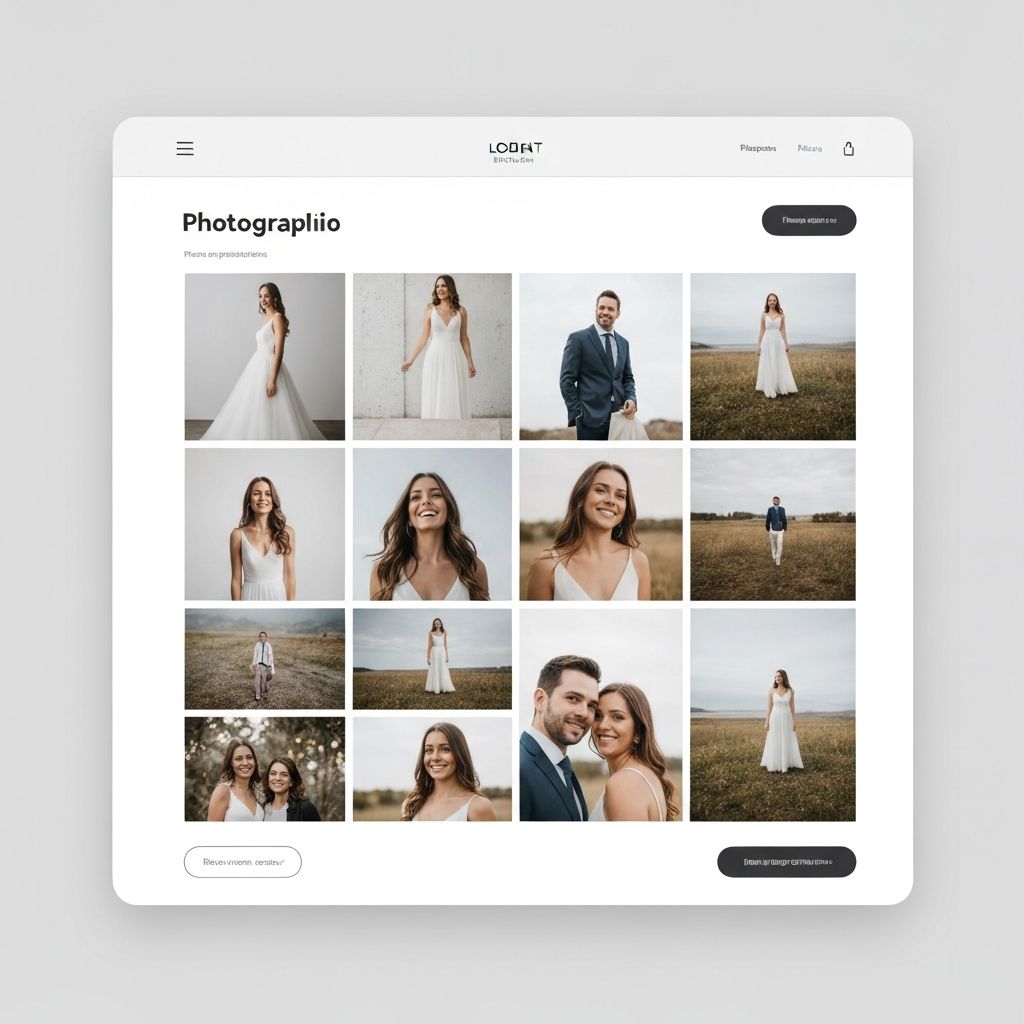
Share portfolios and deliver finished work with a branded experience. Your clients see your brand, not ours.

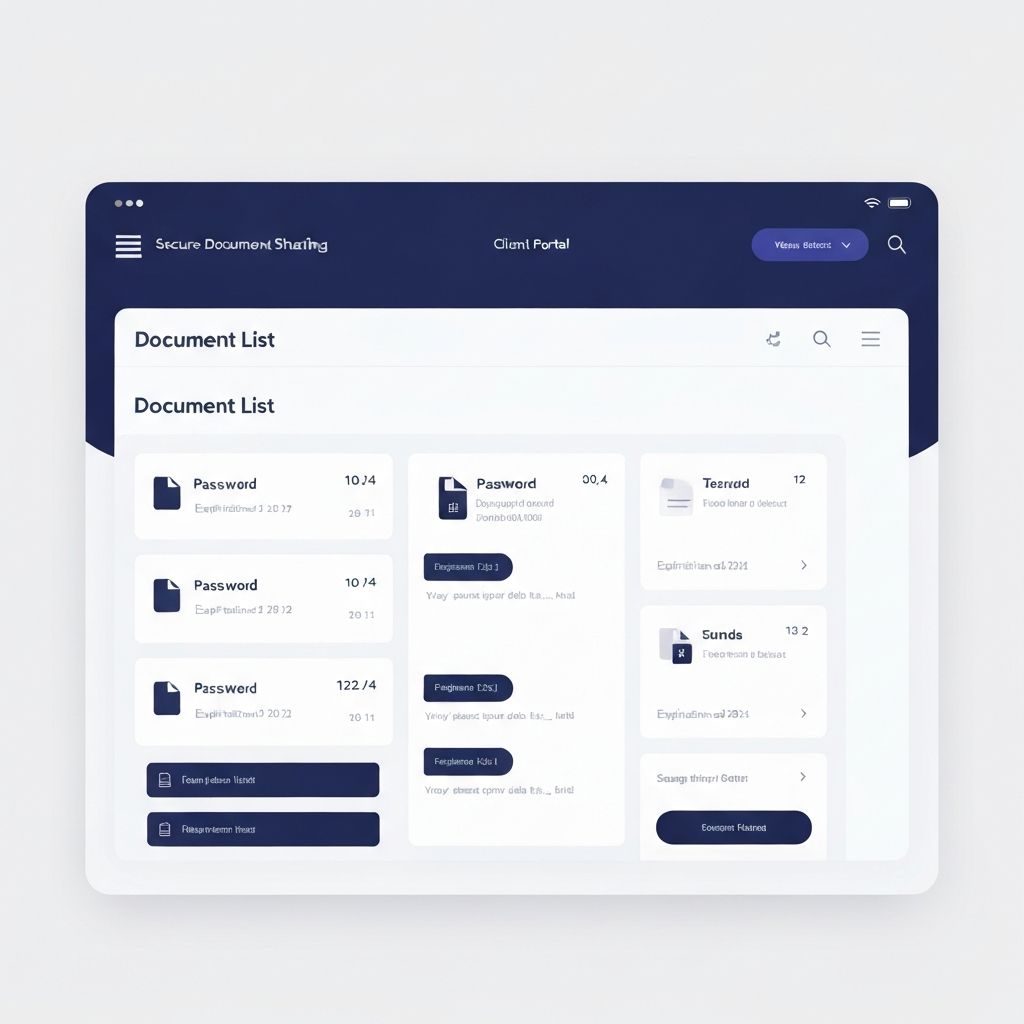
Share sensitive documents securely with password protection and expiring links. Enterprise-level professionalism in every interaction.

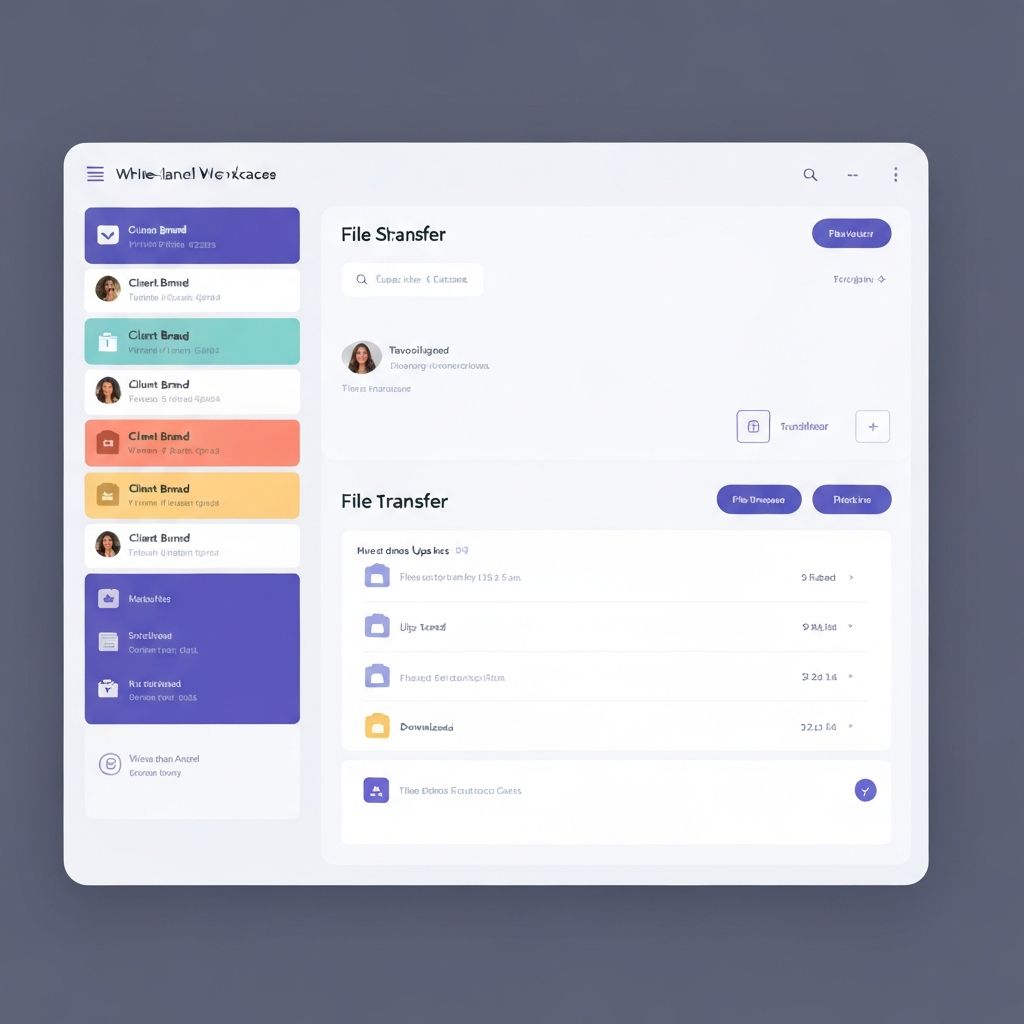
Manage file sharing across multiple client brands in one platform. White-label everything—domain, colors, logo.

FAQs

Smash vs Sharebrand — common questions

Sharebrand is a white-label file sharing platform built for client-facing businesses. It lets you share files through your own custom domain with your logo and branding on every link. Clients never see Sharebrand's name. Unlike Smash, which is built for fast ephemeral large file transfers, Sharebrand is built for ongoing branded client delivery with persistent file access and a client portal. Plans start at $29 per month with no per-user fees.

Custom domain delivery on Smash requires the Enterprise plan, which is not available at a self-serve price and requires a custom quote from Smash's sales team. On Smash Pro and Team plans, your transfer links use a Smash subdomain: yourname.fromsmash.com. The URL always contains fromsmash.com. Sharebrand supports custom domain delivery on every plan, including Starter at $29 per month.

On all Smash plans, transfers are available for a maximum of 30 days. This is a hard ceiling, not a configurable option, and Smash describes it as a deliberate design choice related to sustainability. There is no option to keep files available indefinitely. Sharebrand keeps files until you choose to delete them, with no forced expiry.

No. Smash has no concept of a dedicated client workspace where a client can log in and access their project files over time. Each transfer is a separate, temporary event that expires within 30 days. Sharebrand's client portals are persistent workspaces at your domain that clients can return to at any time.

Yes. Sharebrand has a built-in file payment gate. You can charge for individual downloads or full folder access before clients can download. Smash does not offer a file payment gate on any standard self-serve plan.

Smash Pro and Team allow you to add a custom logo, background image, and promotional pop-ins to the transfer download page. This is more than most competitors offer at that price point. However, the URL is still a Smash subdomain and the page is still Smash's infrastructure. Sharebrand removes all third-party branding at the structural level. Your clients see only your domain, your logo, and your interface.

Smash Pro costs around $10 per month for one user. Smash Team costs around $25 per month for up to 10 users. Sharebrand Starter costs $29 per month for up to five team members and includes a custom domain that Smash only offers at Enterprise level. Sharebrand Pro costs $59 per month for up to ten team members. On Sharebrand, adding team members within your tier does not increase the bill.

With Sharebrand, no. Recipients click a link at your domain, see your branding, and download their files. With Smash, recipients also do not need an account. The difference is that with Sharebrand the link is at your domain, and with Smash it is at a fromsmash.com URL.

Yes. The white-label reseller plan lets you run a fully branded file sharing platform under your own name. Your brand replaces Sharebrand's entirely. You set the pricing, connect your own Stripe account, and keep the revenue. Smash has no reseller or white-label program.

Yes. All Sharebrand plans include a 14-day free trial with full Pro access. No credit card required. You can set up your custom domain, add your branding, and send your first branded client link before paying anything.

Still have questions? Contact us for help.

More alternatives