Dropbox alternative for white-label file sharing
Dropbox works well as personal cloud storage, but it was never built as a white-label solution. Every link you send to a client shows Dropbox branding, and no plan at any price changes that. Here is what creative agencies, studios, and client-facing businesses use instead.

Sharebrand
White-label file sharing for client-facing businesses

Dropbox
Cloud storage for file sharing, content and collaboration
Alternatives
Dropbox alternative for white-label file sharing
Dropbox is not a white-label platform, and that is not going to change
Dropbox is one of the most recognised file storage tools in the world, and it earns that reputation for internal use. Desktop sync is fast and reliable. Most people already know how to use it. For teams storing and sharing files internally across devices, it does exactly what it promises.
But Dropbox was built to solve one problem: syncing files between your own devices. Client delivery was never the design goal. When you send a Dropbox link to a client, they land on a Dropbox-branded page at a dropbox.com URL. Your agency name is nowhere on it. Every file delivery you make is free marketing for a company worth $12 billion.
For creative agencies, photography studios, marketing firms, and any business where file delivery is a professional touchpoint, that is the wrong foundation for client work.
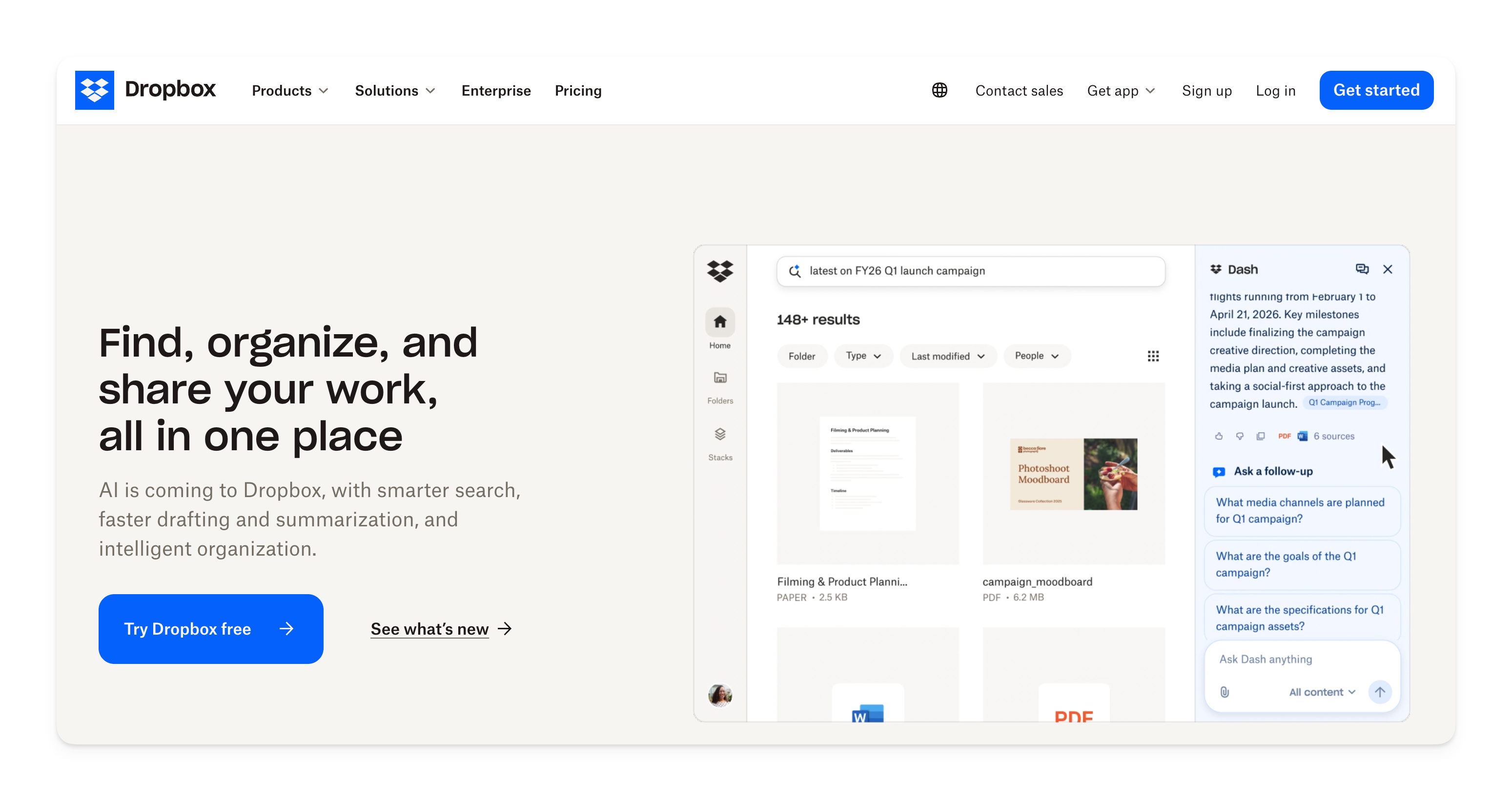
What Dropbox does well
Dropbox built its reputation on desktop sync, and it remains one of the smoothest implementations in the market. Files stay identical across multiple devices without manual effort, mobile apps are polished, and version history is useful for internal team workflows.
For teams that primarily need automatic device backup, or businesses already embedded in Microsoft Office or Google Workspace, Dropbox delivers reliably. It is a good product for the problem it was designed to solve. The problem is not what Dropbox does. The problem is what it was never designed to do: let you put your brand in front of your clients and disappear entirely from the experience.
Where Dropbox falls short for client-facing businesses
Dropbox was architected around sync. Sharing is a secondary feature built on top. That distinction shows up in four ways that directly affect businesses whose primary use case is delivering files to external clients.
Your brand disappears the moment a client clicks your link
Every file or folder you share through Dropbox sends the recipient to a Dropbox-branded page. The URL contains dropbox.com. The interface shows the Dropbox logo. There is no setting, no workaround, and no plan upgrade that changes this. Not Dropbox Business, not Business Plus, not Enterprise. The client experience belongs to Dropbox regardless of what you pay.
For creative agencies, photography studios, and local firms where professional presentation is part of the service, this matters. You have invested in your brand. Your file delivery should reflect it.
Per-user pricing scales against you as your team grows
Dropbox Business starts at $18 per user per month with a minimum of three users. That is $54 per month before a single file is shared. A five-person team pays $90 per month. Ten people, $180 per month. Every hire adds to the bill. Clients receive files via shared links and never occupy a seat, so you are paying for seats your clients will never use.
No custom domain for file delivery on any plan
There is no Dropbox plan that lets you deliver files through your own domain. Files always live at dropbox.com. If you want clients to receive links at files.yourstudio.com, Dropbox cannot do that. Custom domain delivery is not a hidden feature or a gated add-on. It simply does not exist in the product.
No client portal, no file payment gate, no reseller program
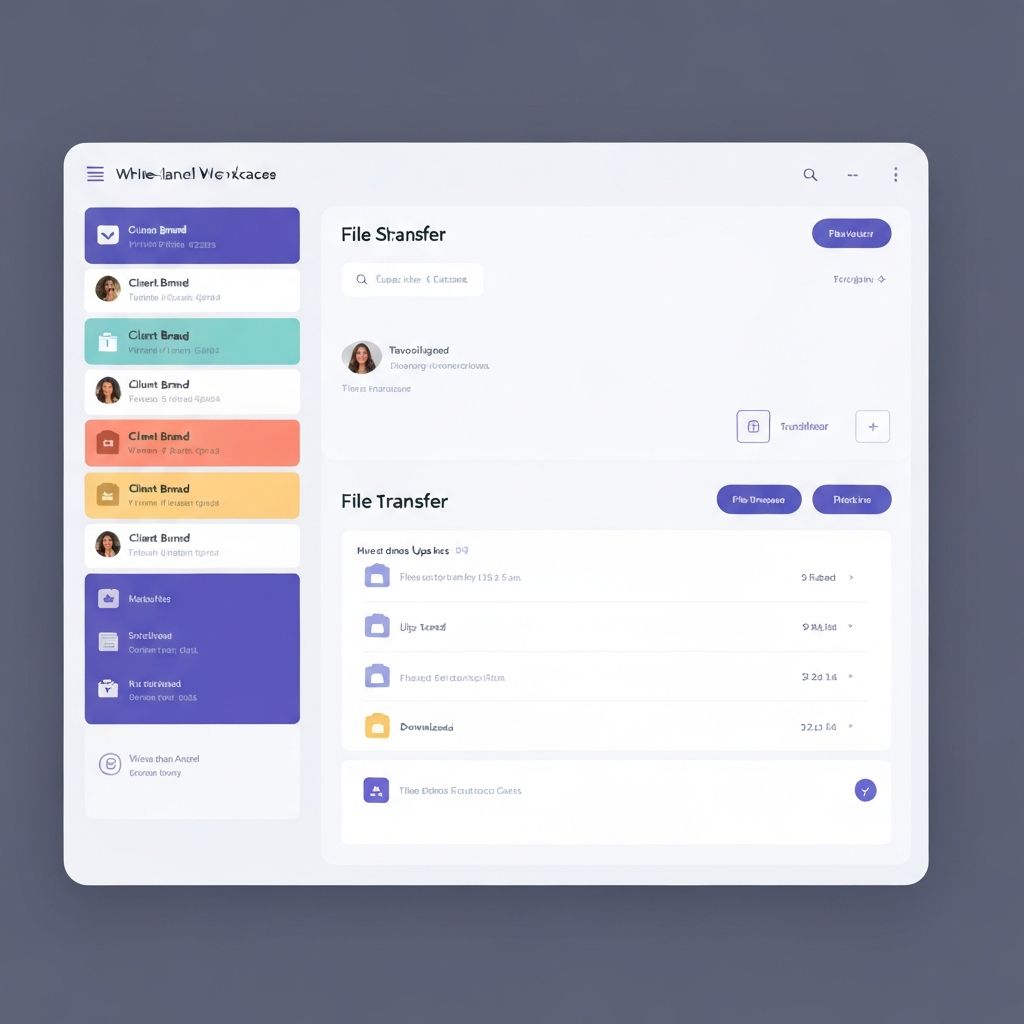
Dropbox has no concept of a dedicated client workspace where a client logs in and sees their project files under your brand. There is no way to charge for a file download. There is no white-label reseller program. These are not edge-case requirements. They are standard expectations for agencies and studios billing for creative work.
Who actually needs a Dropbox alternative
Not every Dropbox user needs to switch. If you use Dropbox exclusively for internal sync and backup, it may be exactly the right tool. The businesses that benefit from switching are those where client-facing delivery is a regular part of the workflow and the file link is a professional touchpoint, not just a utility.
Design and creative agencies delivering brand identities, campaign assets, and finished creative work. Photography and video production studios sending final edits, galleries, and raw deliverables. Marketing firms sharing campaign reports, ad creatives, and strategy documents with clients. Architects and interior designers delivering project renders, drawings, and specifications. Legal and consulting firms sending proposals, signed contracts, and polished documents. Any local business that invoices clients and wants the delivery experience to match the quality of the service.
What these businesses share: the file link is the last step in a professional engagement, and it should carry your brand, not Dropbox's.
Dropbox pricing vs Sharebrand pricing
Dropbox pricing is built around seats. Sharebrand pricing is built around the platform. As your team grows, Dropbox costs more. On Sharebrand, your bill stays the same.
Dropbox Business requires a minimum of three users at $18 each. That is $54 per month to start and $648 per year. A five-person team pays $90 per month. Ten people, $180 per month. Clients who receive files via shared links never occupy a seat, so the per-user model does not reflect the actual value Dropbox delivers to client-facing teams.
Sharebrand Starter is $29 per month flat for up to five team members. Pro is $59 per month for up to ten. The price does not change based on headcount within those tiers. A five-person studio pays $29 per month on Sharebrand versus $90 per month on Dropbox. Sharebrand also delivers the one thing Dropbox cannot: your brand on every client link.