NEWSharebrand has a new home — we're now at sharebrand.com. Same product, same team, better address.Read more
NEWIntroducing White-label Reseller — run a branded file sharing platform under your own name. Your brand, your pricing, your revenue. →Learn more
AFFILIATERefer customers and earn 25% on every sale. Monthly and annual plans included.Join now
Back to alternatives
AlternativesEnterprise file orchestration

Files.com alternative for white-label file sharing

Files.com is a serious enterprise file orchestration platform with deep white-label branding, custom domain, SMTP integration, watermarking, and compliance features used by 4,000+ organisations. It is built for IT and operations teams that automate file workflows at scale. For agencies and studios that want branded client file sharing, the Starter plan at $199/month lacks custom domain entirely, and the Power plan at $499/month is priced for enterprise workflows rather than agency file delivery.

Sharebrand Team·
Sharebrand

Sharebrand

White-label file sharing for client-facing businesses

vs
Files.com

Files.com

Enterprise cloud file management and workflow automation

Alternatives

Files.com alternative for white-label file sharing

Files.com is enterprise file infrastructure, Sharebrand is branded file sharing you can set up in ten minutes

Files.com Starter at $199/month has no custom domain — share links run on Files.com's infrastructure. Custom domain requires the Power plan at $499/month, built for enterprise IT workflows. Sharebrand includes a custom domain on every plan from $29 per month — no IT team, no minimum contract, no per-user calculation.

Files.com is enterprise file orchestration infrastructure. Sharebrand is self-serve branded file sharing for client-facing teams.

Files.com (formerly BrickFTP) is a cloud-based file management platform serving 4,000+ organisations. Its headline position in the white-label file sharing market comes from a genuine capability: custom domains, custom SMTP so all emails come from your domain, branded login pages, custom colour schemes, logo placement, watermarks, and the ability to embed file intake forms on your own website. It supports FTP, SFTP, WebDAV, and HTTPS access alongside automation workflows, S3/Azure/Google Cloud integrations, and connections to 50+ storage backends.

Files.com targets IT teams, data engineers, and operations professionals who need to automate mission-critical file transfer workflows between systems, maintain audit logs for compliance, and manage file access across vendors and partners. Healthcare, finance, media, and technology organisations rely on it for regulated, automated file movement rather than occasional file sharing.

Files.com now publishes two self-serve pricing tiers. Starter is $199 per month for 10 full users, 50 automated inbound connections, and 2 outbound connections. Custom domain is not included on Starter — share links reflect Files.com's own infrastructure. Power is $499 per month and adds custom domain, dedicated IP, custom SMTP, custom watermarking, GPG encryption, SSO/SAML, and IP allowlisting. Enterprise is custom-quoted for larger teams. For a small agency wanting branded file sharing, the entry point for a custom domain is $499 per month.
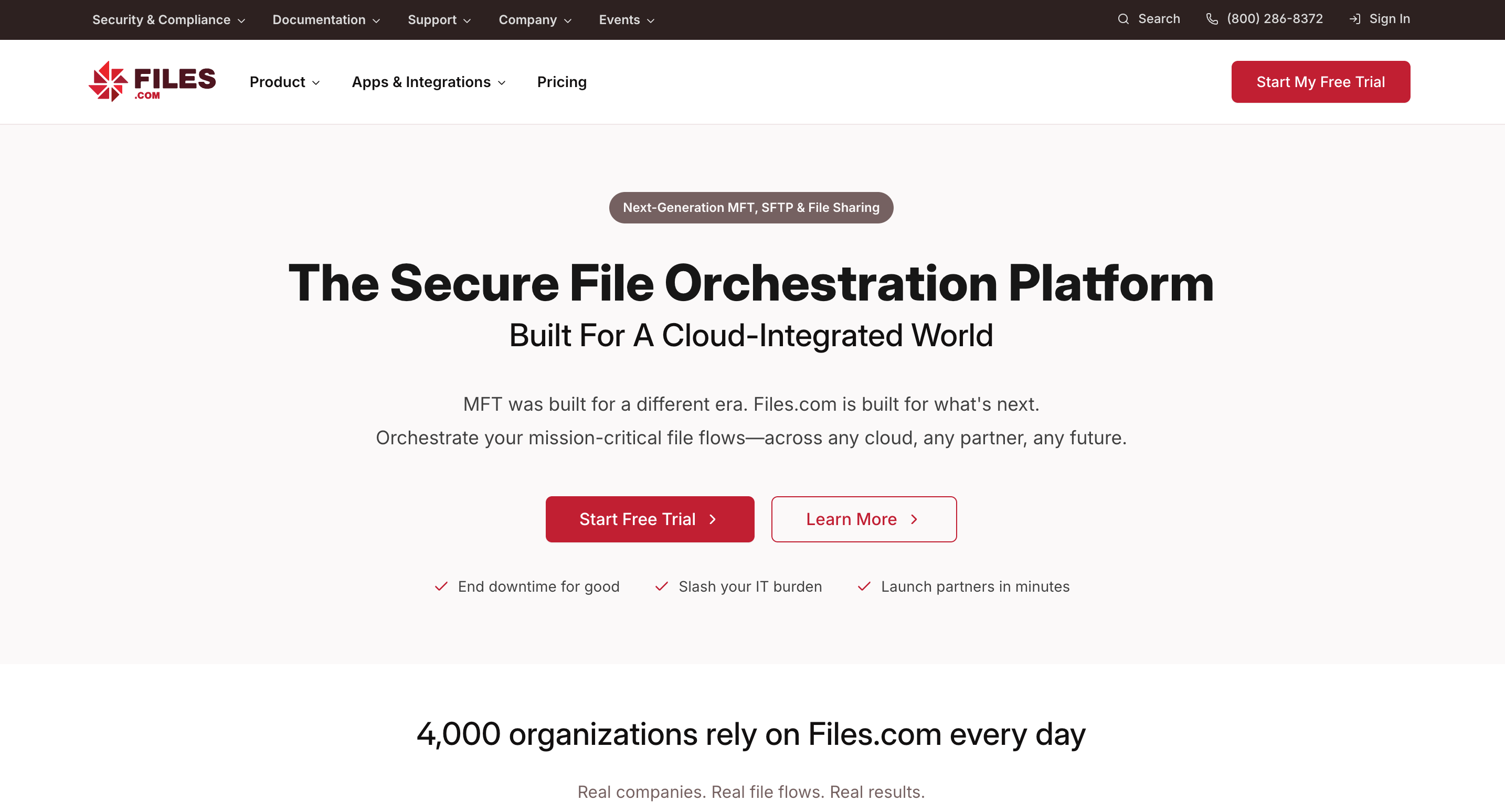
Files.com is best for enterprise file orchestration and automation needs.

What Files.com does well

Files.com's enterprise feature set is genuinely deep. Custom domain, custom SMTP, branded login pages, document watermarks, and customisable share link pages make it one of the most thorough white-label implementations in the market. All outbound communication can come from your domain, including system-generated emails, so the end-to-end experience never surfaces Files.com as a third party.

Workflow automation is where Files.com separates from simpler file sharing tools. Event-driven automations trigger actions when files are added, moved, renamed, or deleted. No-code workflow tools let organisations build reliable file movement between systems without developer involvement. Seven SDKs support deep custom integrations. SFTP, FTP, WebDAV, and HTTPS protocol support means it connects to virtually any legacy or modern system.

Security and compliance credentials are strong: encryption at rest and in transit, four types of two-factor authentication, nine SSO integrations, an A+ Qualys SSL rating, SOC 2 compliance, and HIPAA-ready configurations. External collaborators can send and receive files without a Files.com account using custom inboxes and public folders.

Where Files.com falls short for agencies and studios

Files.com was designed for IT teams managing automated file transfer workflows between systems. Each limitation below reflects that focus rather than a product weakness.

Custom domain requires the $499/month Power plan

Files.com publishes two self-serve tiers. The Starter plan at $199/month does not include a custom domain — share links are on Files.com's own infrastructure. Custom domain, dedicated IP, custom SMTP, and custom watermarking are all Power plan features at $499 per month. A user review on SoftwareAdvice noted specifically that the product moved custom domain to a higher tier: "It used to allow a custom domain on the basic plan but now it's only at the higher plan. They changed it for us after many years so it is a big deal in our case." For an agency wanting branded URLs on client-facing links, the minimum entry point is $499 per month — seventeen times Sharebrand Starter.

$199/month for the Starter plan without custom domain

Files.com Starter is $199 per month or $2,099 per year for 10 full users, 50 automated inbound connections, and 2 outbound connections. This tier does not include custom domain, custom SMTP, watermarking, SSO, or IP allowlisting. The Power plan at $499 per month adds all of those features along with GPG encryption and geographic access controls. Enterprise is custom-quoted. A five-person creative studio does not need automated inbound connections, outbound system connections, or the compliance and protocol infrastructure that justifies these prices.

No file payment gate

Files.com has no feature for charging recipients before they download files. For studios and agencies that sell digital assets or want to monetise file access, this capability is absent.

Built for technical users

Files.com's breadth of configuration options, protocol support, and automation tools require technical expertise. Setup is not a ten-minute task. For a studio that wants to brand a file portal and start sharing, the configuration surface area is overhead.

Who actually needs a Files.com alternative

Files.com is the right tool for IT and data teams automating regulated file movement between enterprise systems. The businesses that need something different are client-facing agencies and studios whose primary need is a clean branded experience on every file they send.

Design agencies, photography studios, video production companies, and marketing firms that deliver work to clients and want those deliveries to carry their own domain and brand. Freelancers who want clients to receive files at their name, not a third-party platform's. Any team that wants self-serve branded file sharing operational in under ten minutes without a sales call or infrastructure project.

Files.com pricing vs Sharebrand pricing

Files.com publishes two self-serve pricing tiers. Starter is $199 per month (or $2,099 per year) for 10 full users, 50 automated inbound connections, and 2 outbound connections — but does not include custom domain, custom SMTP, watermarking, or SSO. Power is $499 per month (or $5,269 per year) for 20 full users, 100 automated inbound connections, 5 outbound connections, and all branding features including custom domain, dedicated IP, custom SMTP, custom watermarking, GPG encryption, and geographic access controls. Enterprise is custom-quoted. A 7-day free trial is available with no credit card required. Files.com also offers a 90-day money-back guarantee on paid plans.

Sharebrand Starter is $29 per month flat for up to five team members with 3 TB of pooled storage, a custom domain, a brand portal, and a file payment gate. Pro is $59 per month for up to ten members and 6 TB. Annual billing saves two months. All features are available from day one without a sales conversation.

The entry point for a custom domain on Files.com is the Power plan at $499 per month — seventeen times the cost of Sharebrand Starter. For an IT team running automated file workflows across enterprise systems, that price is justified by the protocol support, automation engine, and compliance tooling. For an agency wanting a branded client file sharing experience, it is the wrong scope of product at the wrong price.
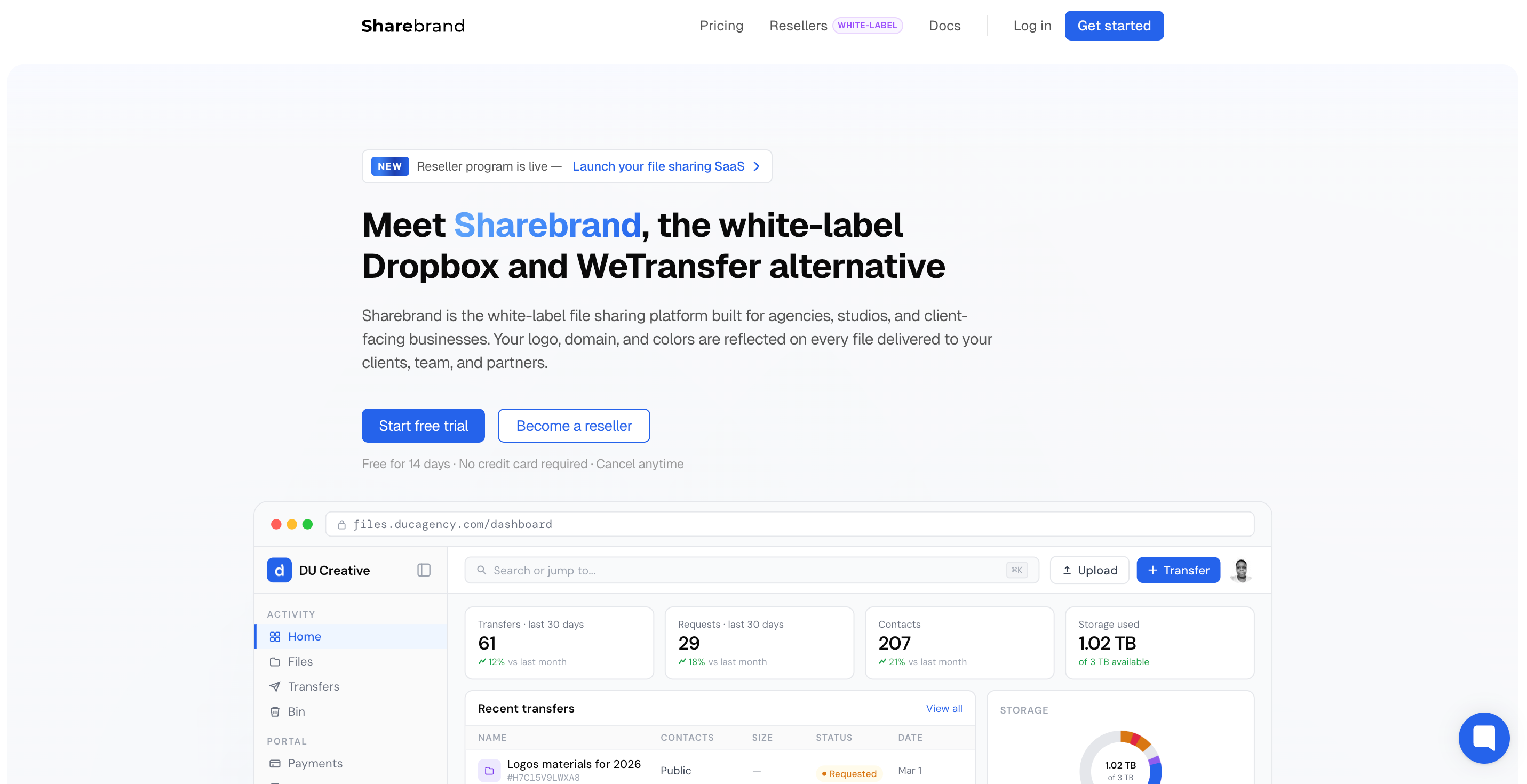
Sharebrand is best for client-facing businesses like creative agencies, marketing, legal, and consulting firms.

Is Sharebrand a full Files.com replacement?

For branded client file sharing: yes. If you use Files.com primarily to share finished files with clients and want those files delivered at your domain under your brand, Sharebrand replaces that workflow at a fraction of the cost.

For enterprise file orchestration, protocol support, and workflow automation: no. Files.com's SFTP/FTP/WebDAV support, automation engine, cloud connectors, and compliance tooling are not features Sharebrand offers or attempts to offer. Those capabilities are irrelevant to most creative agencies and directly valuable to enterprise IT teams.

HOW WE COMPARE

Sharebrand vs Files.com — feature by feature

Files.com is enterprise file orchestration with white-label branding available at higher tiers. Sharebrand is self-serve branded file sharing with custom domain on every plan. Different products for different buyers.

FEATURE
Sharebrand
SharebrandFrom $29/mo
Files.com
Files.comFrom $199/month
Pricing
Pricing model

How you're billed

Flat monthlyNo per-user feesPer user / mo
Min. users required

To start a paid plan

120
Team seats included

At base plan price

5 seats10 seats on Pro20
Storage & Transfers
Storage included

At base / mid plan

3 TB6 TB on ProCustom
Upload / transfer size

Max per single transfer

50 GB100 GB on ProCustom
Deleted file recovery

Days before permanent deletion

90 days
URL shortener

Create branded short links

Coming soon
Branding & Client Experience
Custom branding

Logo, colors, full identity

Yes, MSP-managed
Custom domain (CNAME)

files.yourcompany.com

Branded sender email

Notifications from your domain

File masking

Share external files via your own branded URL

Coming soon
Security & Access
Password protection

Protect any file or link

File expiration

Auto-expire links by date

File versioning

Track & restore file versions

Coming soon
Team roles & access

Member permissions management

Client & Revenue Features
File transfers & requests

Send and receive files

Client portal

Dedicated client workspace

File payment gate

Charge for file downloads

Brand asset portal

Beautiful page to host brand assets

White-label reseller

Resell under your brand

Sharebrand

Files.com and Sharebrand both offer white-label branding and both allow external recipients to access files without creating accounts. Files.com does this at enterprise scale with workflow automation, protocol diversity, and compliance certification. Sharebrand does it at agency scale with flat pricing, a file payment gate, and a setup time of under ten minutes. The right tool depends on whether you need enterprise file orchestration or clean branded client file sharing.

Partial or limited supportNot availableData reflects publicly available information as of March 2026. Files.com custom domain availability on lower tiers has changed historically — verify current plan structure at files.com before making a purchasing decision. Files.com and all product names are trademarks of their respective owners. Sharebrand is not affiliated with or endorsed by Files.com.

QUICK VERDICT

Sharebrand vs Files.com: which one is right for you?

Files.com orchestrates file workflows across enterprise systems with deep compliance and automation. Sharebrand delivers files to clients with branded simplicity at a flat price. They serve different buyers and different scale.

Choose Sharebrand if you...

  • Need a custom domain on every client link without enterprise pricing
  • Want to be live with branded sharing in under ten minutes
  • Have a small team and want flat pricing without custom quotes
  • Want clients to access files with no account and no friction
  • Need to charge clients for file downloads
  • Want a brand asset portal included from day one

Stick with Files.com if you...

  • Manage automated file transfer workflows between enterprise systems
  • Need SFTP, FTP, WebDAV, and HTTPS protocol support
  • Handle regulated data requiring HIPAA or SOC 2 compliance
  • Run file automation across S3, Azure, Google Cloud, and 50+ connectors
  • Have IT resources to configure and maintain the platform

Simple plans and Pricing

Files.com starts at $199/month without custom domain, Sharebrand starts at $29 with it

Files.com's Starter plan at $199/month does not include custom domain. Adding it requires the Power plan at $499/month, built for enterprise IT workflows. Sharebrand includes a custom domain on every plan from day one.

Starter

For small teams and businesses getting started with branded file sharing.

$29/month

Or $290 (2 months off) when paying yearly

Start free trial

All core features, plus:

  • 3 TB storage
  • 5 team seats
  • Up to 50 GB per transfer
  • File transfers & requests
  • Custom domain & sender email
  • Passwords & expirations
  • URL shortenerSoon
  • Brand asset portal
  • Share free or paid files
  • Reduced "Sharebrand" badge
Most Popular

Pro

For growing teams that need more storage, power, and a fully branded experience.

$59/month

Or $590 (2 months off) when paying yearly

Start free trial

Everything in Starter, plus:

  • 6 TB storage
  • File maskingSoon
  • Up to 100 GB per transfer
  • 10 team seats
  • 90 days to restore deleted files
  • Team roles & team folders
  • File versioningSoon
  • Remove "Powered by Sharebrand"
  • Priority support

Reseller

NewWhite-label

Run your own branded file-sharing platform and resell it to your clients under your name.

$99/month

Or $990 (2 months off) when paying yearly

Learn more

Everything in Pro, plus:

  • Your brand replaces ours
  • 9 TB allocated storage pool
  • Unlimited client workspaces
  • Reseller dashboard
  • Connect your own Stripe
  • Set your own pricing
  • Offer trials up to 30 days
  • No revenue sharing

All plans include a 14-day free trial with full Pro access. No credit card required. Cancel anytime. All plans billed monthly. Annual billing saves 2 months. If the included storage limit is reached, additional storage is available at $10 per additional TB. Need more storage or a custom plan? Contact us.

Core features

Why agencies choose Sharebrand over Files.com for client file sharing

Files.com orchestrates enterprise file workflows with deep compliance and automation. Sharebrand delivers branded file sharing with a custom domain, zero client friction, and a file payment gate — set up in minutes with no IT team required.

Professional & secure

Password protection, expiring links, and a sharing experience that stays fully branded as yours on every client interaction.

90-day file recovery

Deleted files go to the bin and stay there for 90 days. Restore anything in one click before it is permanently removed.

Brand asset portal

DAM

Create beautiful brand pages for delivering logos, fonts, and brand guidelines to your clients and partners instead of paying for expensive DAM tools.

URL shortener

Soon

Create branded short links on your own custom domains. Share any URL professionally, track conversions, and replace tools like Bitly or Dub.co.

CRM & team management

Keep all clients, contacts, and team members in one place with full transfer history and granular access levels.

File versioning

Soon

Keep a full history of every file version. Restore any previous version instantly without losing your current file.

Photographers & Creators
Law firms & Consultants
Agencies & Small teams

Who we serve

Built for client-focused businesses

The white-label file sharing platform for client-facing businesses. Deliver files with professional, branded simplicity.

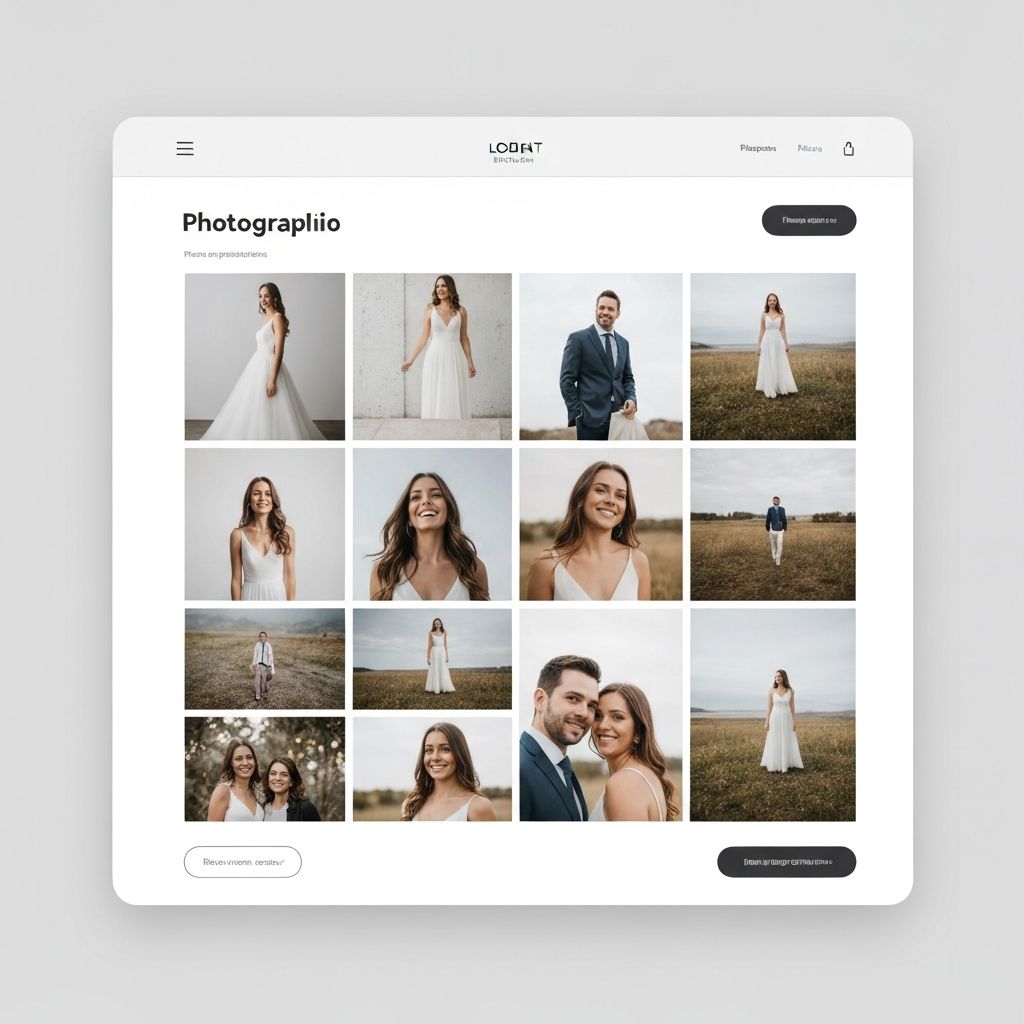
Share portfolios and deliver finished work with a branded experience. Your clients see your brand, not ours.

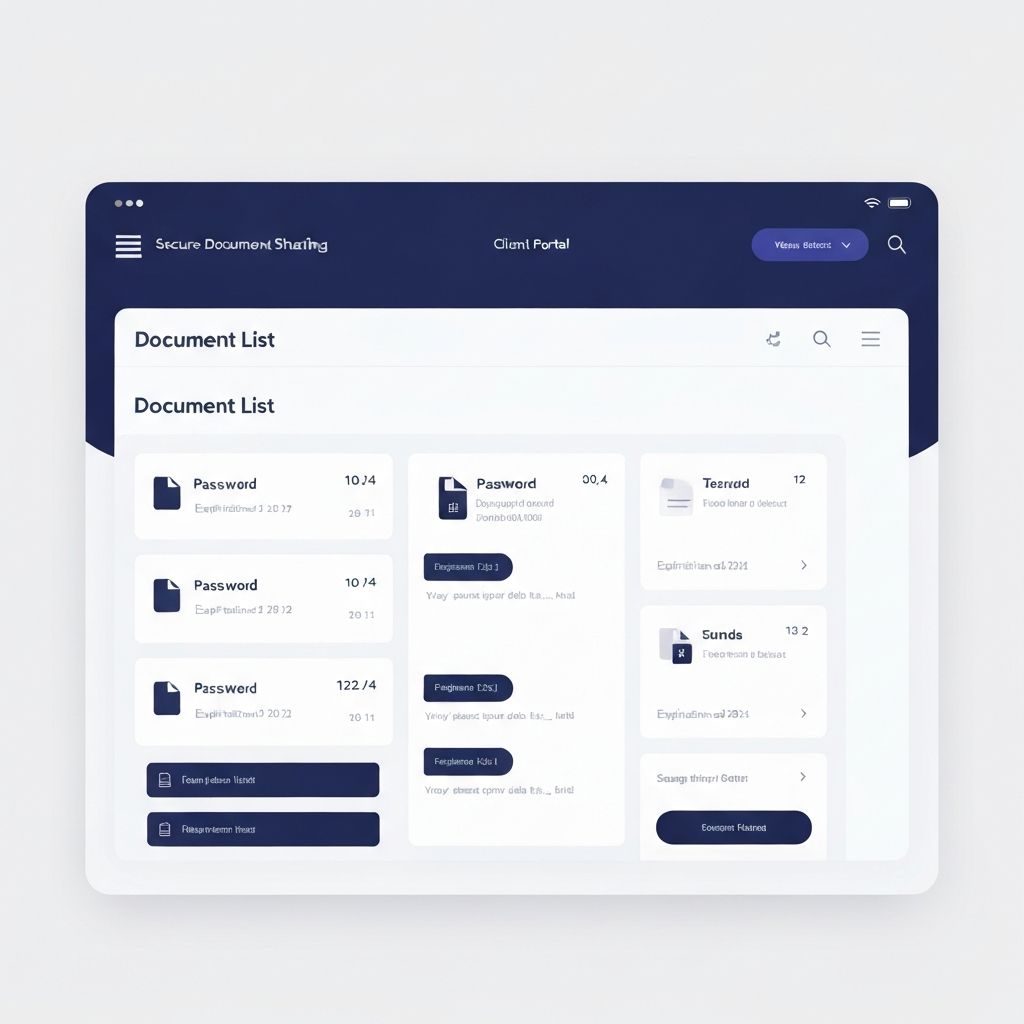
Share sensitive documents securely with password protection and expiring links. Enterprise-level professionalism in every interaction.

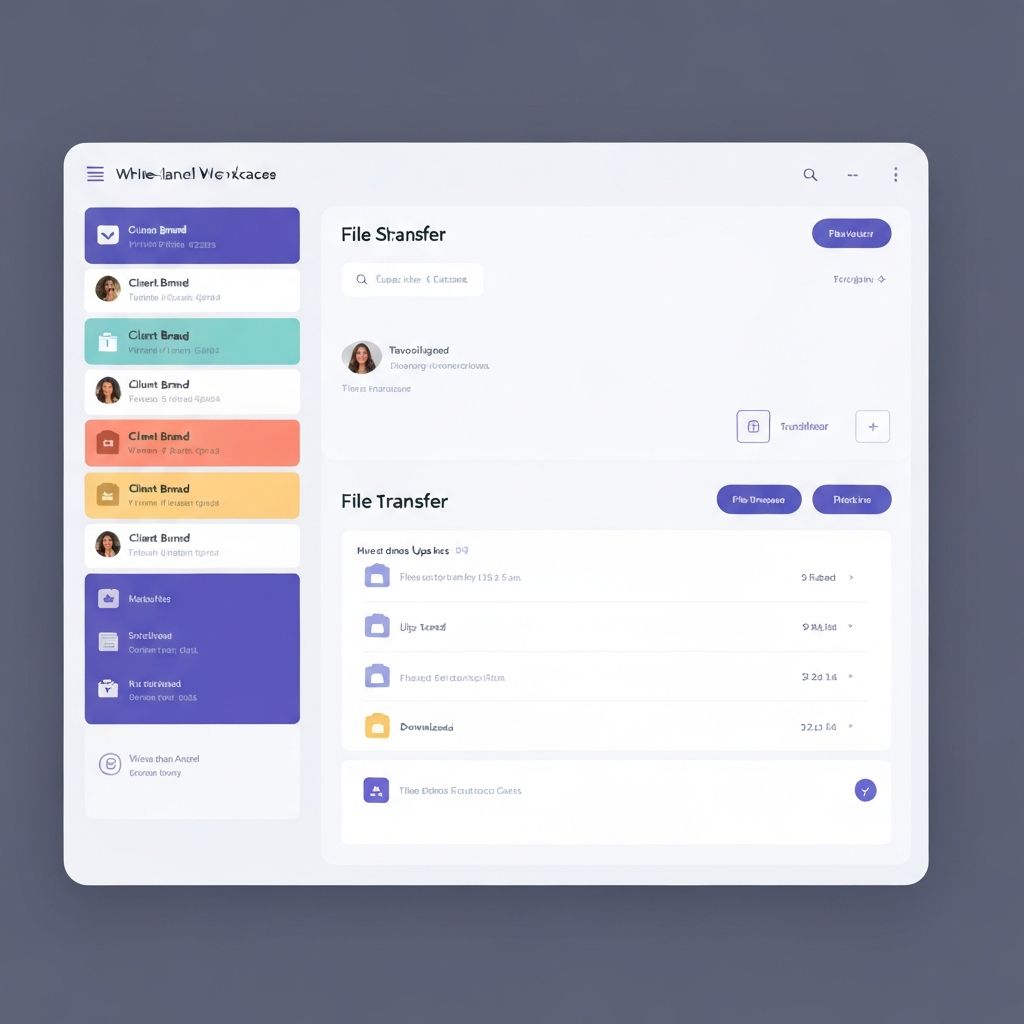
Manage file sharing across multiple client brands in one platform. White-label everything—domain, colors, logo.

FAQs

Files.com vs Sharebrand — common questions

Sharebrand is a white-label file sharing platform built for client-facing businesses. It delivers files through your own custom domain with your logo and branding on every link. Clients never see Sharebrand's name. Unlike Files.com, which is an enterprise file orchestration platform for IT teams, Sharebrand is built for agencies and studios that need branded client file sharing at a flat monthly price. Plans start at $29 per month for up to five team members.

Yes, on the Power plan and above at $499 per month. The Starter plan at $199 per month does not include a custom domain — share links reflect Files.com's own infrastructure. The Power plan adds custom domain, dedicated IP, custom SMTP, and custom watermarking alongside SSO and advanced security controls. A user review noted that custom domain was previously available on lower tiers but was moved to a higher plan in a change that frustrated long-term customers. Sharebrand includes a custom domain on every plan, including Starter at $29 per month.

Yes. Files.com's custom inboxes, share links, and public hosted folders allow external parties to send and receive files without creating a Files.com account. This is a genuine capability. The difference from Sharebrand is that Files.com links reflect Files.com's infrastructure on lower tiers, while Sharebrand links are always at your own domain regardless of plan.

Yes. Sharebrand has a built-in file payment gate. You set a price and clients pay before downloading. Files.com has no equivalent feature.

Sharebrand takes under ten minutes from signup to first branded client link sent — connect your custom domain, add your logo, and you are ready. Files.com setup involves configuring protocols, connecting storage backends, setting up automation rules, and configuring branding. The complexity is appropriate for enterprise IT deployments; it is overhead for a small agency needing branded file sharing.

Yes. All Sharebrand plans include a 14-day free trial with full Pro access. No credit card required. Files.com offers a 7-day free trial with no credit card required, plus a 90-day money-back guarantee on paid plans.

Still have questions? Contact us for help.

More alternatives