Filecamp alternative for white-label file sharing
Filecamp is a well-priced Digital Asset Management tool with white-label branding, unlimited users, and online proofing. It is a solid choice for organising brand assets and sharing them internally and with partners. But white-label and custom domain sit behind the most expensive plan at $89 per month — the $29 entry plan shares files on Filecamp-branded pages. There is also no file payment gate on any tier. Here is what agencies use when branded client file sharing from the entry plan is the primary requirement.

Sharebrand
White-label file sharing for client-facing businesses

Filecamp
Cloud-based Digital Asset Management with file sharing
Alternatives
Filecamp alternative for white-label file sharing
Filecamp is a DAM platform for organising and sharing brand assets. White-label and custom domain require the most expensive plan.
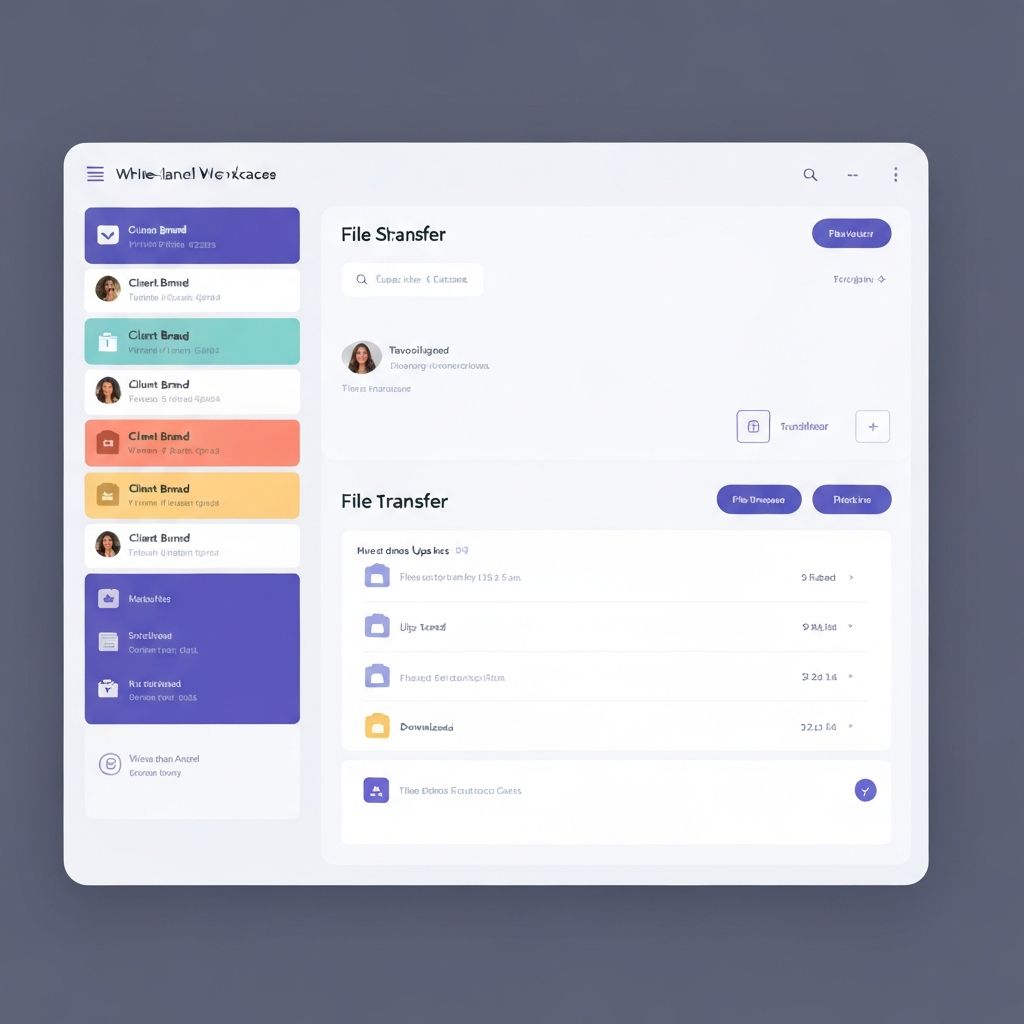
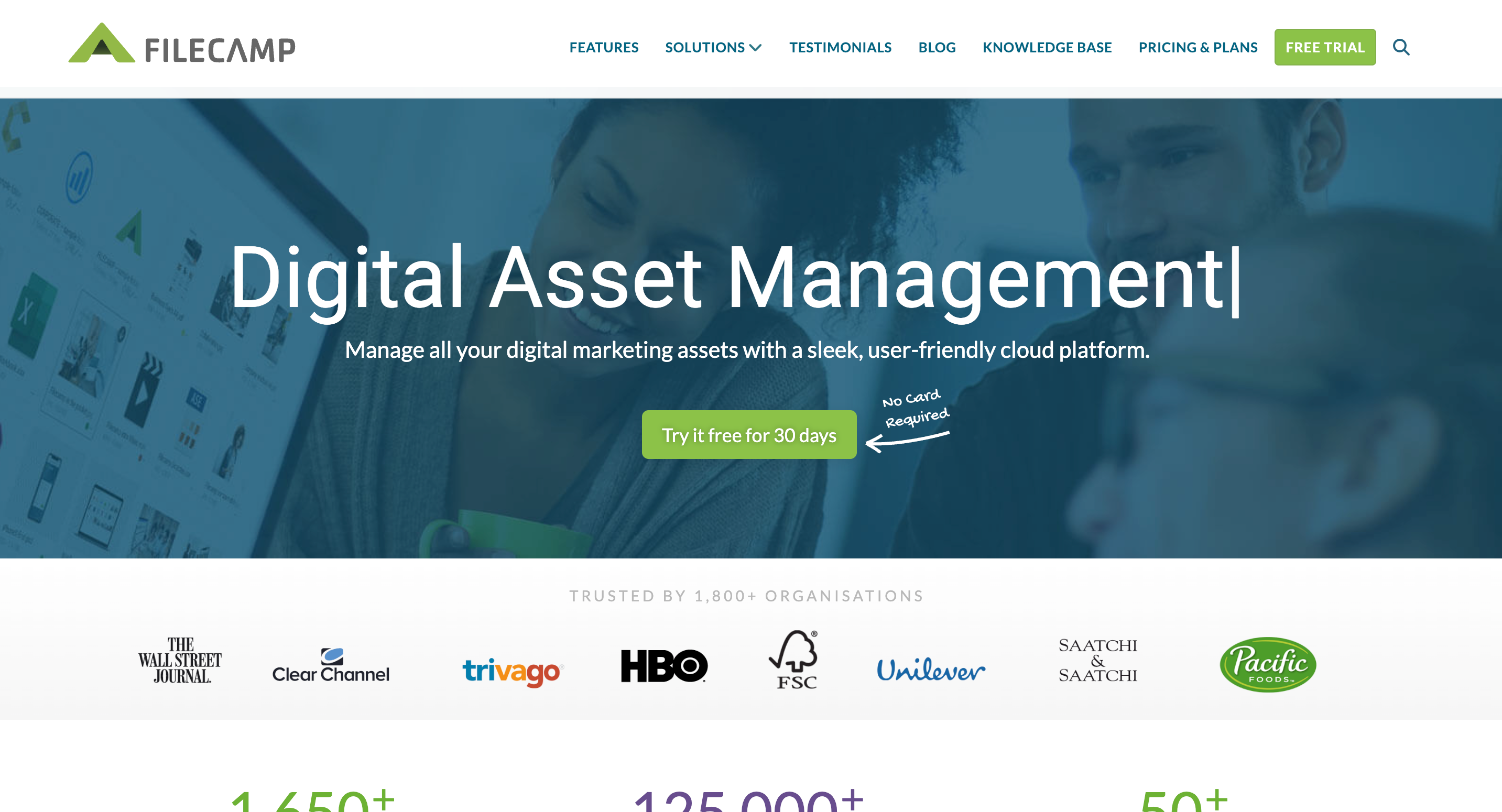
Filecamp is a cloud-based Digital Asset Management platform used by 1,800+ organisations across 60+ countries, including Birkenstock, the NFL, New York University, Dermalogica, and Barcelona Turisme. Its core value is providing a searchable, organised home for images, videos, design files, logos, and brand guidelines with unlimited users at every plan and granular access controls for internal teams and external partners. The per-folder theming is a genuine differentiator: each folder or brand can have its own look and feel, which is useful for agencies managing multiple client brands.
The online proofing and commenting tools let collaborators review and annotate image files directly in the browser without downloading. AI-powered auto-tagging suggests keywords from image content. Expiring share links, download restrictions, and password protection give teams control over what clients can access and for how long.
The gap between Filecamp and Sharebrand is primarily at the white-label layer. Filecamp's white-label option, which removes all Filecamp branding and allows a fully custom domain, is available only on the Professional plan at $89 per month. The Basic plan at $29 per month does not include white-label or custom domain. On the Professional plan, clients who access shared files still need to interact with Filecamp's interface under your branded skin. There is no zero-login link experience and no file payment gate on any plan.
What Filecamp does well
Filecamp's strongest use case is building an organised, searchable library of brand assets that internal teams and external partners can access with permission. The unlimited user count across all plans means there is no per-seat penalty for adding team members, which is a genuine advantage over most alternatives. Per-folder theming lets agencies give each client or brand its own visual identity within the same system.
Online proofing is a useful differentiator for creative review workflows. Collaborators can annotate image files in the browser and leave comments without downloading, which keeps feedback loops contained inside the system. File versioning, expiring links, and download caps give teams control over how assets are distributed. AI auto-tagging reduces the time spent manually categorising large asset libraries.
Filecamp is consistently praised for being more affordable than enterprise DAM solutions while still covering the core requirements: searchable asset libraries, granular permissions, and basic white-label branding at the Professional tier. For brands and marketing teams that primarily need internal asset management, it is a well-reviewed tool at a competitive price.
Where Filecamp falls short for client-facing file sharing
Filecamp was designed for asset management and internal sharing with some client-facing capability added on top. Each limitation below is a direct result of that primary focus.
White-label and custom domain locked to the Professional plan
Filecamp's white-label option removes Filecamp branding and enables a custom domain, but only on the Professional plan at $89 per month. The Basic plan ($29) and Advanced plan ($59) include custom branding in a limited sense but do not include white-label or custom domain. A reviewer on Gartner Peer Insights noted: "if you need the white labeling and commenting features as well, you'll need to pay 3 times the basic price." For agencies that want true branded delivery from the start, the entry price for Filecamp's relevant tier is $89 rather than the $29 headline.
Share links land on Filecamp-branded pages below the Professional plan
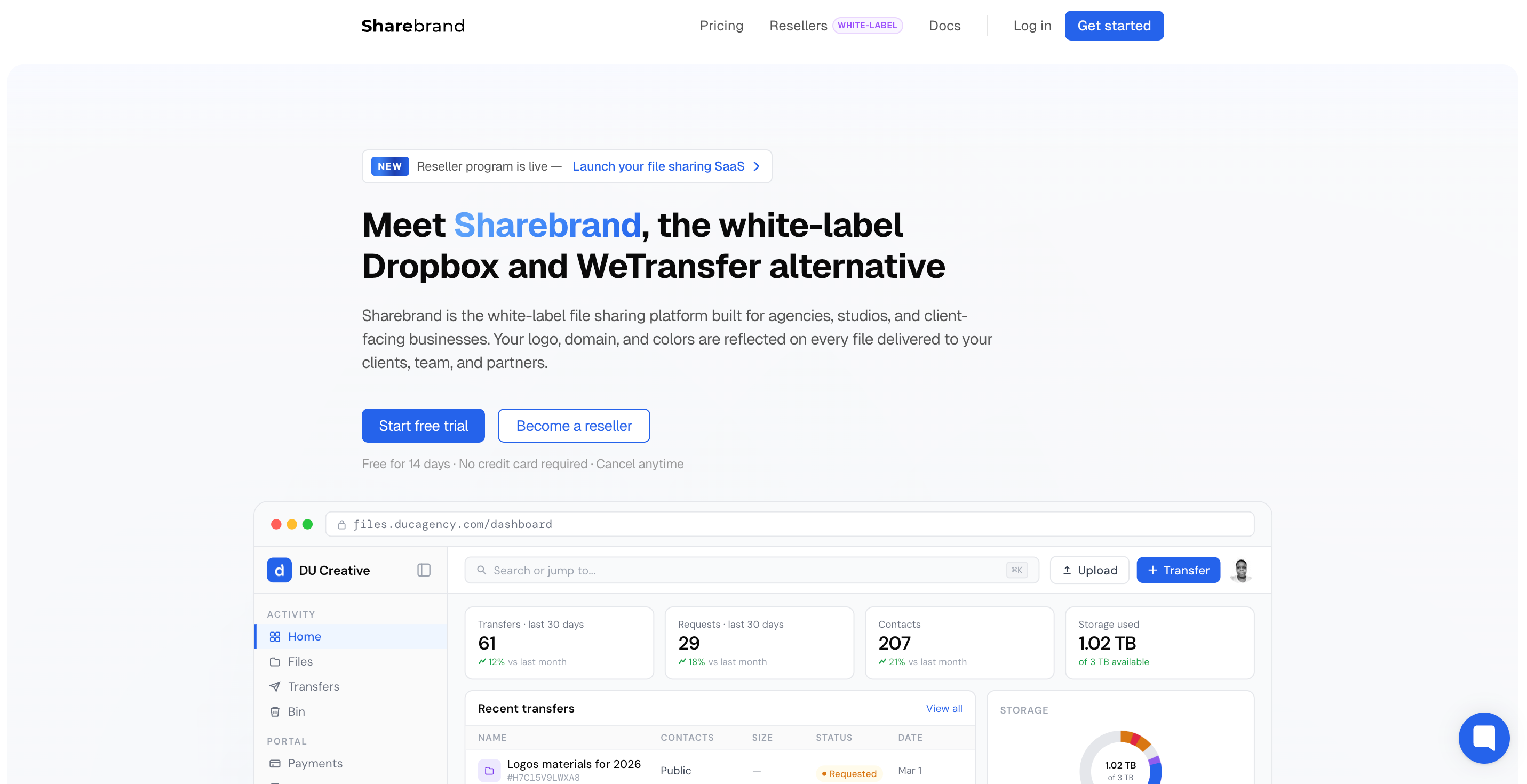
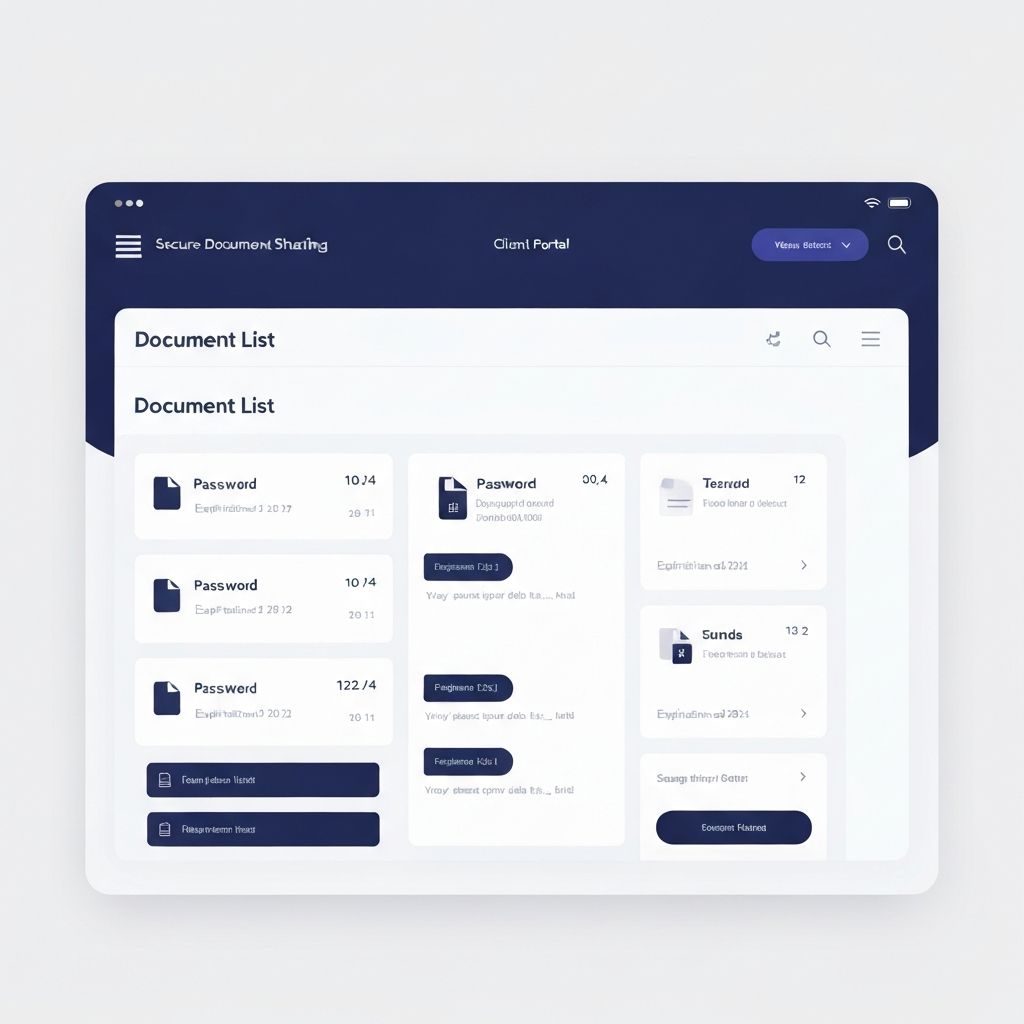
Filecamp supports public download links and share folder links on all plans — recipients do not need an account to download via a link. The branding issue is what happens when they click. On the Basic and Advanced plans, the download experience carries Filecamp's own branding. A fully white-label delivery page — your logo, your colours, no Filecamp visible anywhere — requires the Professional plan at $89 per month. For agencies where the client download experience is a branded touchpoint, the $29 and $59 plans do not deliver that. Sharebrand delivers a fully white-label download experience at the domain you own on every plan from $29.
No file payment gate
Filecamp has no feature for charging clients before they download files. For studios that sell digital assets, license photography, or monetise file access directly, this capability is absent on all plans.
UI feedback and update frequency
Multiple reviews across Gartner Peer Insights and G2 note that Filecamp's user interface looks dated and the platform does not receive frequent updates. One reviewer described the UX as "outdated, and should be refreshed to represent a modern design." Another noted "it doesn't seem to get many updates but it is reliable and consistent." For a client-facing branded portal, the visual quality of the interface reflects on the agency presenting it.
Who actually needs a Filecamp alternative
Filecamp is a strong fit for marketing teams and brands that need to organise large asset libraries with granular access control, AI-assisted tagging, and internal proofing workflows. The businesses that need something different are those where the client's experience of receiving files is a professional touchpoint.
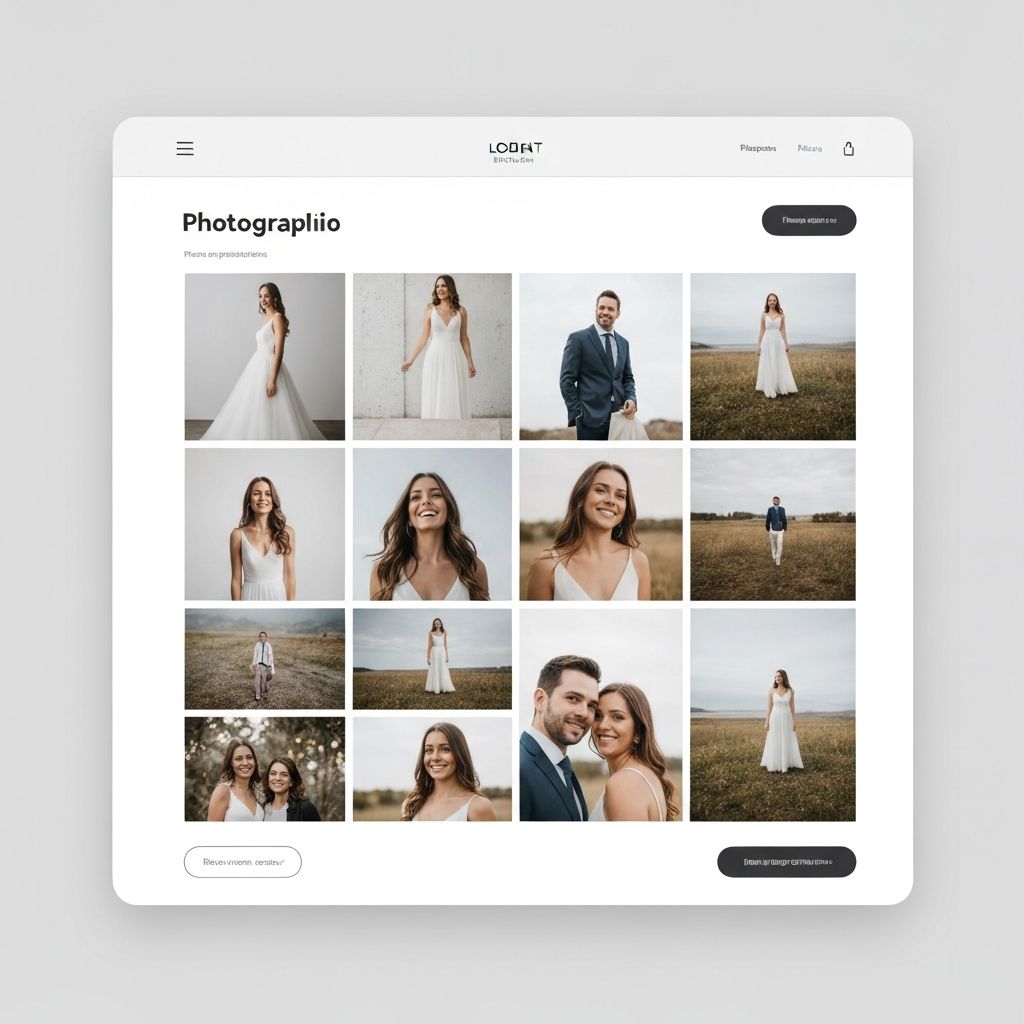
Design agencies that want client downloads to land on a fully white-labeled page at their own domain — not on Filecamp's branding — without paying $89/month. Photography and video studios sharing final deliverables where the download page is the last impression. Any team that wants white-label client sharing from the cheapest plan, not locked behind the most expensive one. Freelancers and small teams that want file payment capability built in.
Filecamp pricing vs Sharebrand pricing
Filecamp has three plans: Basic at $29/month (20 GB storage), Advanced at $59/month (50 GB), and Professional at $89/month (100 GB). All plans include unlimited users. White-label branding — removing Filecamp's name and enabling your own custom domain — is only available on the Professional plan. Additional storage can be purchased separately. The headline $29 price is for a plan without the features most agencies actually need for branded client sharing.
Sharebrand Starter is $29 per month for up to five team members with 3 TB of pooled storage, a full custom domain, a brand asset portal, and a file payment gate. Pro is $59 per month for up to ten members and 6 TB. Annual billing saves two months. White-label branding is included from day one on every plan.
At equivalent white-label capability, Filecamp Professional ($89/month, 100 GB) compares to Sharebrand Starter ($29/month, 3 TB). Sharebrand includes thirty times more storage at a third of the price at the white-label tier — though Filecamp also includes online proofing and AI tagging that Sharebrand does not offer.