vBoxxCloud alternative for white-label file sharing
vBoxxCloud is a well-built GDPR-certified cloud storage and file sharing platform hosted entirely in the Netherlands. It offers custom branding, team file sharing, document editing, granular permissions, and a reseller programme. But its custom branding is operator-facing — it lets your team environment carry your logo. When a client receives a shared file, they access it at vBoxxCloud's domain. Here is what agencies use when they need the client's experience to belong to them entirely.

Sharebrand
White-label file sharing for client-facing businesses
vBoxxCloud
GDPR-certified cloud storage and file sharing for business
Alternatives
vBoxxCloud alternative for white-label file sharing
vBoxxCloud is a GDPR-certified business cloud with custom branding for your team environment. White-label client delivery is a different product category.
vBoxxCloud is a Dutch cloud storage and file sharing platform built around European data sovereignty and GDPR compliance. All data is hosted on vBoxx's own hardware in ISO 27001-certified data centres in the Netherlands. It has earned recognition as Best Cloud of 2018 and 2020 in the Dutch market and holds GDPR certification from an independent external organisation. Its positioning as a European alternative to Dropbox, OneDrive, and Google Drive is well-founded: it offers desktop sync, mobile apps, online document editing, team shares with granular permissions, ransomware snapshot recovery, Outlook and Active Directory integration, and a reseller programme.
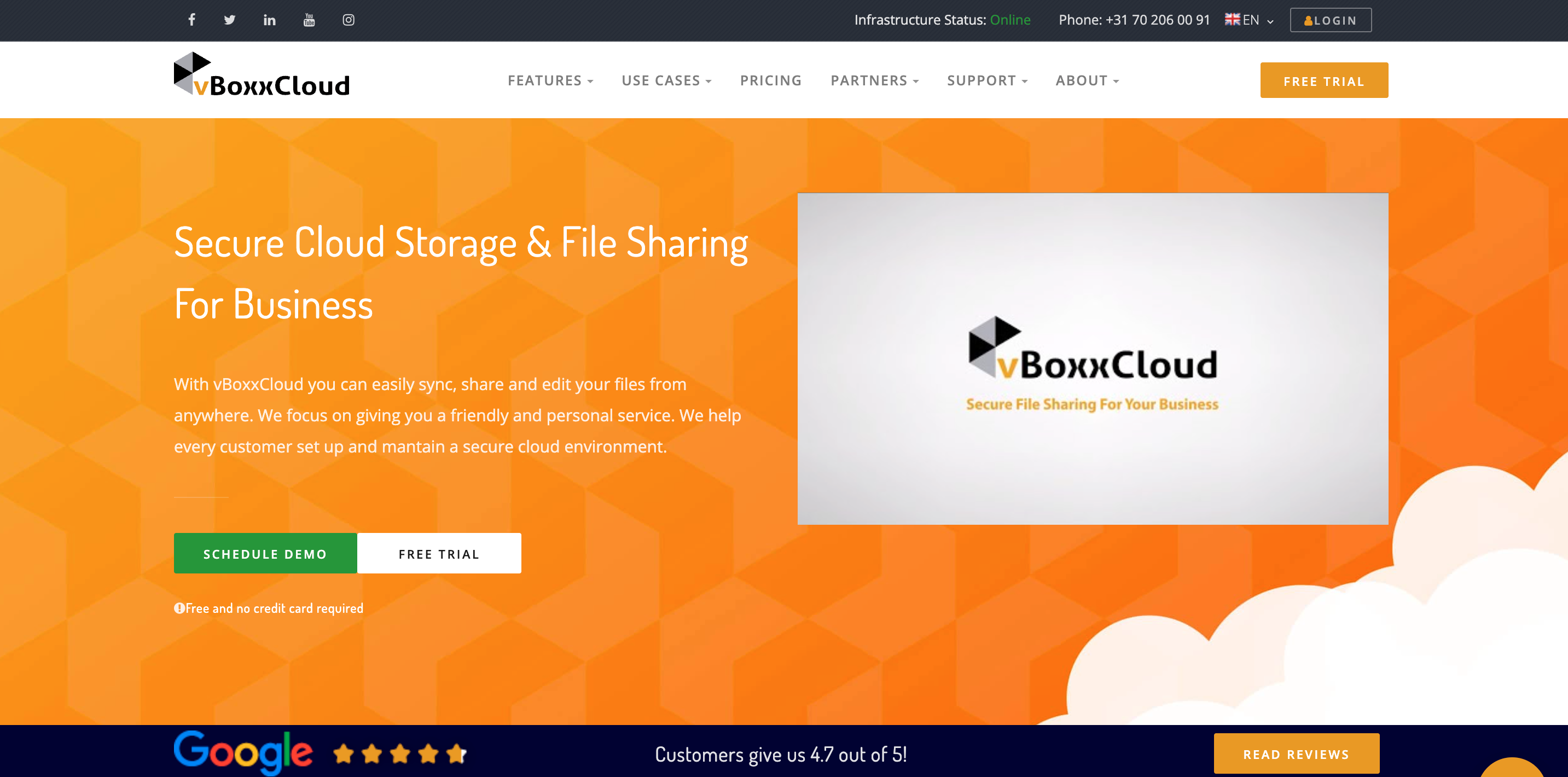
The custom branding feature is real and listed prominently on vBoxxCloud's comparison tables and feature pages. Organisations can customise their vBoxxCloud environment with their own logo, icon, company name, splash screen, and program name. This makes the desktop sync tool, admin portal, and team environment carry the organisation's identity. For MSPs and resellers building their own branded cloud service on top of vBoxxCloud's infrastructure, this is a genuine capability.
The gap becomes clear at the client-facing delivery step. When a vBoxxCloud user shares a file with an external recipient, a guest user, that guest accesses the files through vBoxxCloud's web interface at vBoxx's own URL. There is no custom domain for share links. There is no mechanism on any plan to deliver files to a client at files.yourstudio.com. The branding customisation belongs to the team environment, not to the experience a client receives when they click a link.
What vBoxxCloud does well
vBoxxCloud's European data sovereignty story is its strongest differentiator in the business cloud market. Dutch data centres, ISO 27001:2013 certification, independent GDPR certification, and 256-bit AES encryption at rest and in transit put it ahead of most US-hosted alternatives for European businesses that need to demonstrate compliance. Healthcare providers, legal firms, accounting offices, and small businesses in the EU that need to store and share confidential data in a certified European environment get a credible and well-supported product.
The no-minimum-user pricing is also genuinely useful for small teams. Unlike Dropbox, which requires three users to start, and Box, which starts at three users, vBoxxCloud lets a solo freelancer or a one-person office start with a single seat at €8/user/month and scale from there. Storage is purchased separately at €3 per 250 GB per month, which gives organisations control over exactly how much they need.
The feature set covers a broad range: Windows and macOS desktop sync, iOS and Android mobile apps, web browser access, online Word/Excel/PowerPoint document editing, team shares with role-based permissions (Co-Owner, Collaborator, Editor, Web Editor, Viewer, Previewer, Uploader), file versioning with unlimited history, anti-ransomware snapshot recovery, Active Directory integration, Outlook plugin, WebDAV support, and custom branding for the admin and team environment. For a European SMB needing a Dropbox replacement with GDPR compliance, this is a well-rounded platform.
Where vBoxxCloud falls short for client-facing businesses
vBoxxCloud was built for internal team collaboration and GDPR-compliant business file management. Each of the following limitations is a direct consequence of that design, and each one matters for agencies and businesses where the client's experience of file delivery is a professional touchpoint.
Guest users access shared files at vBoxxCloud's domain
When a vBoxxCloud user shares a file or folder with an external recipient, a guest account is created for that recipient and they access the content by logging into vBoxxCloud's web interface at vBoxx's own URL. vBoxxCloud's own documentation confirms that guest users log in via web.vboxx.nl. The shared files are at vBoxxCloud's infrastructure, not at the sender's domain.
There is no CNAME or custom domain option for external file delivery on any vBoxxCloud plan. When a design agency using vBoxxCloud delivers finished brand assets to a client, the client accesses them on vBoxxCloud's platform.
Custom branding applies to the team environment, not client delivery links
vBoxxCloud's branding customisation — logo, icon, company name, splash screen, program name, and email templates — affects the appearance of the admin portal, the sync tool interface, and system emails. This is valuable for resellers and MSPs building a branded cloud product for their own customers. It does not change what an external client sees when they click a share link, because the link and the access point belong to vBoxxCloud's infrastructure regardless of how the admin environment is branded.
For agencies that want every client-facing link to carry their own domain and reflect their brand visually, this distinction is the entire product decision.
Guest users must create a password and log in
When an external recipient receives a vBoxxCloud share for the first time, they are sent a username and password via email and must change their password on first login before accessing files. This is a multi-step process that requires clients to interact with vBoxxCloud's platform as a registered user — even though they are "guests." For some clients this is routine; for others it creates unexpected friction on what should be a simple file delivery.
Sharebrand requires nothing from recipients. They click a link, see files, and download. No account, no password, no login at any point.
No file payment gate
vBoxxCloud has no built-in feature for charging clients before they access or download files. For agencies and studios that sell digital deliverables or want to monetise file delivery directly, this capability does not exist on any vBoxxCloud plan.
No branded client portal in the Sharebrand sense
vBoxxCloud has team shares — shared folders where authorised users collaborate. But there is no concept of a dedicated, outward-facing client portal that looks like your agency's product, is hosted at your domain, and serves as the professional home for a client relationship. The guest user experience is vBoxxCloud's interface with your organisation's branding partially applied through the admin settings, not a purpose-built white-label delivery experience.
Who actually needs a vBoxxCloud alternative
vBoxxCloud is well-suited for European businesses, SMBs, healthcare providers, legal firms, and accounting offices that need GDPR-certified internal file sharing and collaboration with no minimum user count and a Dutch data residency guarantee. The businesses that need something different are those where the client delivery experience is the primary product, not the internal file management.
Design and creative agencies delivering finished work to clients and needing every link to carry their own domain and brand. Photography and video studios where the download page is the last impression a client has of the project. Marketing firms sharing campaign assets and reports through a portal that reflects the agency's identity, not a cloud storage provider's. Any business that bills clients for digital deliverables and wants the delivery experience to match the quality of the service. Freelancers who want clients to receive files at their own domain without the client knowing what storage tool is powering the backend.
vBoxxCloud pricing vs Sharebrand pricing
vBoxxCloud and Sharebrand use different pricing architectures. vBoxxCloud separates user seats from storage: €8/user/month for the seat (all features included), plus €3 per 250 GB per month for storage purchased at the organisational level. A one-person team with 250 GB pays €11/month. A five-person team with 500 GB of storage pays €40/month (5 × €8 + 1 × €3 × 250 GB — noting that 12+ users qualify for 500 GB of free storage). The per-user model is genuinely affordable at small team sizes and there is no minimum seat count, which is a real advantage over competitors like Dropbox and Box.
Sharebrand Starter costs $29 per month flat for up to five team members with 3 TB of pooled storage, a full custom domain, a branded client portal, a file payment gate, and a brand asset portal. Pro is $59 per month for up to ten team members and 6 TB. Annual billing saves two months. The price does not change based on headcount within a tier. A solo freelancer and a five-person team both pay $29/month on Starter.
The pricing comparison alone does not determine the right choice — the use case does. A five-person Dutch studio needing GDPR-certified internal file sharing and document collaboration would find vBoxxCloud's €40/month (approximately) competitive and appropriate. The same studio needing every client delivery link to carry their own domain would find vBoxxCloud unable to provide that at any price.