NordLocker alternative for white-label file sharing
NordLocker is the encrypted cloud storage product from the team behind NordVPN. It uses end-to-end encryption and zero-knowledge architecture to make sure your files are visible to no one but you and the people you explicitly trust. That philosophy is admirable. But it is the opposite of what branded client delivery requires: making files professionally visible to your clients, at your own domain, in an experience that looks like yours. Here is what client-facing businesses use when they need that.

Sharebrand
White-label file sharing for client-facing businesses
NordLocker
End-to-end encrypted cloud storage and secure file sharing
Alternatives
NordLocker alternative for white-label file sharing
NordLocker is built to keep your files private, Sharebrand is built to deliver them professionally to the right people
NordLocker is a product of Nord Security — the company behind NordVPN and NordPass — and it brings the same privacy-first philosophy to cloud storage. End-to-end encryption using AES-256, xChaCha20-Poly1305, and Ed25519 means files are encrypted on your device before they leave it. Zero-knowledge architecture means even Nord Security cannot access what you store. Files are organised into encrypted lockers (folders) and can be shared with trusted recipients via email or a securely generated link with a two-step security code. Desktop apps cover Windows and macOS. Mobile apps cover iOS and Android. A web app is available for browser access.
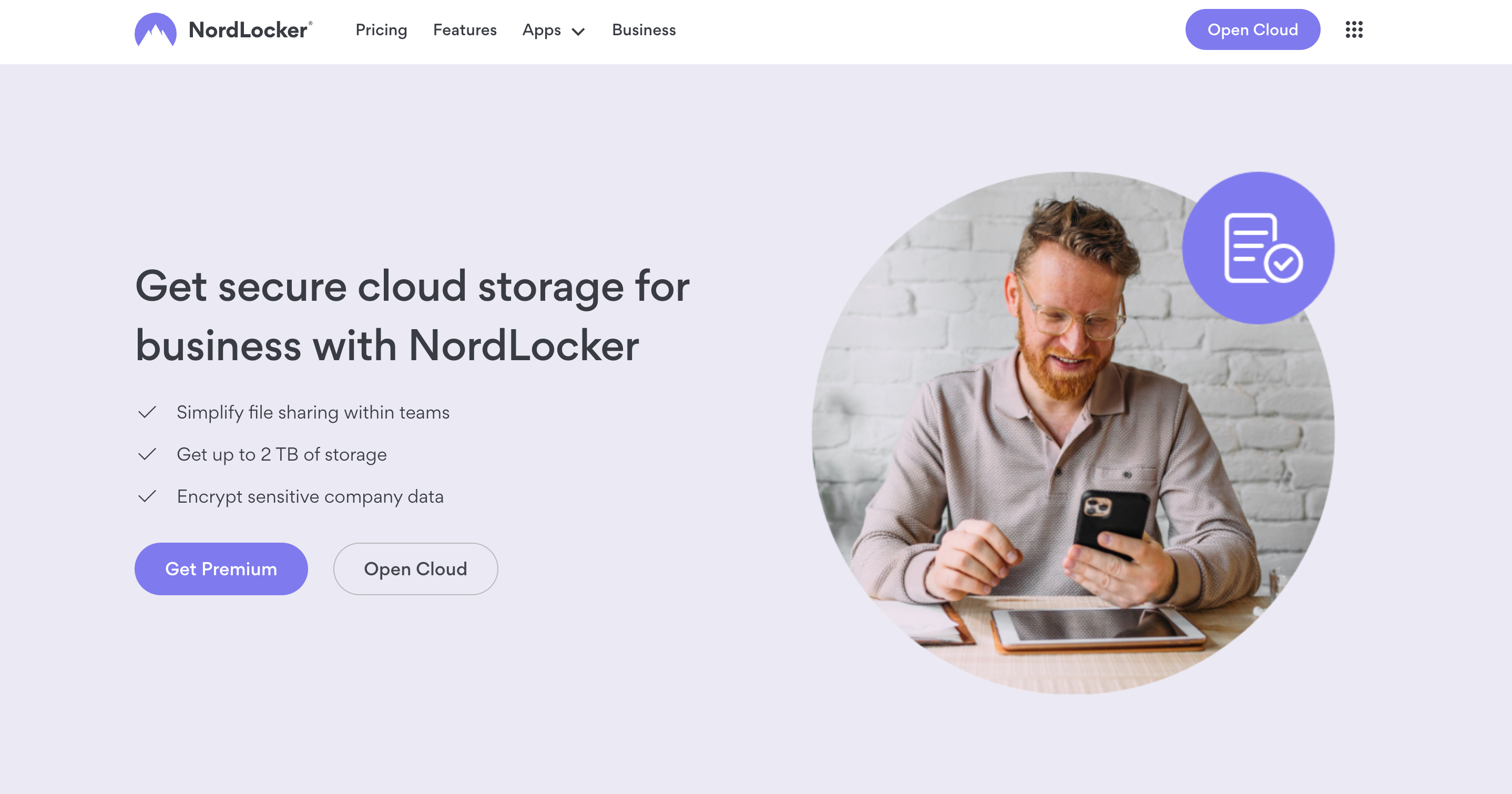
NordLocker Business at $29.99/month (billed annually) adds an admin panel, access controls, and 24/7 priority support for 2 TB of encrypted storage. It is genuinely useful for small businesses and agencies that need a secure shared environment for sensitive internal files — contracts, client briefs, financial records, and confidential project assets.
The gap is at the delivery end. NordLocker was designed so that files stay private by default and only reach the people you explicitly authorise. Sharebrand was designed so that finished files reach clients in a fully branded, professional experience at your own domain. These are opposite product philosophies for different moments in the workflow. Both are legitimate. They do not overlap.
What NordLocker does well
NordLocker's encryption credentials are among the strongest available to consumers and small businesses. The combination of AES-256, xChaCha20-Poly1305, and Ed25519 is a more robust cipher stack than most cloud storage competitors deploy. Zero-knowledge architecture — where the encryption keys are generated and held on the user's device and never passed to Nord's servers — means that even a breach of NordLocker's infrastructure would yield nothing readable. This is not marketing language; it is the structural guarantee that distinguishes end-to-end encrypted storage from standard cloud storage where the provider holds the keys.
The locker model is also well-designed for its purpose. Rather than sharing individual files, users share entire encrypted lockers with specific people. This makes permission management cleaner: you grant or revoke access to a locker, and all its contents follow. The "share via link" feature adds flexibility for one-off secure sends without requiring the recipient to create an account — they receive a link and a security code, and they can download a copy of the encrypted file.
NordLocker Business at $29.99/month for 2 TB is competitive for a privacy-first encrypted team storage environment. The admin panel lets team leads manage who has access to which lockers. Compliance support for GDPR, HIPAA, and CCPA makes it credible for regulated industries that need to demonstrate secure file handling. For a small professional firm storing sensitive client documents internally, it covers the requirements at a reasonable price.
Where NordLocker falls short for client-facing businesses
NordLocker's privacy-first design is also the source of its limits for client-facing delivery. Every architectural decision that makes it excellent at keeping files private makes it less suitable for delivering finished files to external clients in a branded, frictionless experience.
No custom domain on any plan
NordLocker has no custom domain (CNAME) feature. Files shared via link are hosted on NordLocker's infrastructure. Files shared via locker are accessed through a NordLocker account on NordLocker's platform. There is no mechanism on any plan — personal or Business — to deliver files to a client at your own domain. When a design studio shares final brand assets with a client through NordLocker, the client accesses them at NordLocker's URL.
For agencies and studios where the delivery experience is a professional touchpoint, and where the domain a client sees should be the studio's, NordLocker cannot deliver that on any plan.
Folder sharing requires the recipient to have a NordLocker account
Sharing an encrypted locker with a recipient requires them to create a NordLocker account. NordLocker will guide them through account creation if they do not have one, but this means the client's first interaction with your file delivery is creating an account with a third-party service they were not expecting to use. For some clients this is frictionless; for others it is a barrier that reflects poorly on the studio that asked them to do it.
The link sharing feature avoids this — a recipient can download a file copy using a link and security code without a NordLocker account. But this is a one-off file send, not a persistent client portal. And the security code is an additional step that adds friction to what should be a simple client experience.
No persistent branded client portal
NordLocker has no concept of a dedicated client workspace where a client returns over time, sees their project files organised by deliverable, and accesses multiple rounds of work from a space that reflects your brand. Each share — whether locker or link — is a separate access event. There is no portal, no client login to your branded environment, and no ongoing project home for the client relationship.
No file payment gate
NordLocker has no feature for charging clients before they access or download files. For freelancers and agencies that sell digital deliverables or want to monetise file delivery directly, this capability does not exist on any NordLocker plan.
The security code adds friction to every link share
NordLocker's link sharing feature requires the sender to generate a link and a security code separately, then share both with the recipient — typically via a separate channel such as email or message. The recipient must enter the security code to access the file. This two-step process is a deliberate security feature, not a design flaw. But it means that every time an agency uses NordLocker to send a client a file, the client faces an extra step that most other file delivery experiences do not impose.
Who actually needs a NordLocker alternative
NordLocker is well-suited for individuals, freelancers, and small teams that need to store and share sensitive files securely — contracts, tax records, client briefs, legal documents — in an encrypted environment where privacy is the primary guarantee. The businesses that need something different are those where file delivery to external clients is a regular professional service that should carry their brand.
Design and creative agencies delivering brand identities, campaign assets, and finished work to clients who expect to receive files at the agency's domain, not a third-party storage platform. Photography and video studios sending final deliverables where the download experience is the last impression the client has of the work. Marketing firms sharing client-facing reports and campaign assets through a branded portal that reflects the agency's identity. Consultants and local businesses that invoice clients and want the delivery experience to match the quality of the service. Any team that needs to charge clients for file downloads or run a white-label file delivery service under their own name.
The natural pairing: NordLocker for internal encrypted storage of sensitive working files and confidential documents, Sharebrand for all external client-facing delivery. NordLocker keeps your work private. Sharebrand presents the result professionally to the client.
NordLocker pricing vs Sharebrand pricing
NordLocker and Sharebrand are priced within a similar range at their team-level tiers, which makes the comparison worth making precisely.
NordLocker's personal plans are $2.99/month for 500 GB or $6.99/month for 2 TB, both billed annually. The 2 TB personal plan is competitively priced for individual encrypted cloud storage. NordLocker Business is $29.99/month billed annually for 2 TB with admin panel access, access control, and 24/7 priority support. This is a workspace-level product, not per-user, which makes it more comparable to Sharebrand than it might initially appear.
Sharebrand Starter costs $29 per month for up to five team members with 3 TB of pooled storage, a full custom domain, a branded client portal, a file payment gate, and a brand asset portal. Pro is $59 per month for up to ten team members and 6 TB. Annual billing saves two months. The price does not change based on headcount within a tier.
At $29–$30 per month, both NordLocker Business and Sharebrand Starter cover a team of up to five people. NordLocker delivers 2 TB of zero-knowledge encrypted storage with a focus on keeping files private. Sharebrand delivers 3 TB of storage with a custom domain, a branded client portal, and a delivery experience focused on making files professionally visible to clients. Same price range, opposite product philosophies, zero overlap in what they provide.